melonDS APK (Nintendo DS Emulator) Download for Android
✓ Latest v2.0.1 ✓ Free Download ✓ No Sign-Up Needed
The melonDS APK download is the easiest way to play Nintendo DS games on your Android phone. melonDS is free, open-source, and famous for one thing above all: accuracy. The Android build squeezes that full experience into your pocket — the whole thing is about 20 MB. One thing to know upfront though: this melonds apk ships with zero games. You bring your own legally dumped ROMs and DS BIOS files, which we’ll explain below.
| App Name | melonDS |
| Package Name | me.magnum.melonds |
| Publisher | Rafael V. Caetano (unofficial Android port) |
| Category | Arcade |
| Version | v2.0.1 |
| Size | 20.02 MB |
| MOD Info | Clean APK, no modifications |
| Requires Android | 7.0 and above |
| Last Updated | May 2026 |
What Is melonDS APK?
melonDS APK is the Android version of melonDS, the open-source Nintendo DS emulator that earned its name on PC for emulating the actual DS hardware instead of faking it. The desktop original was built by StapleButter; the Android port comes from Rafael V. Caetano, who adapted it for touchscreens without losing what made it great. Fewer glitches, better compatibility across the library — that’s the payoff of doing it accurately.
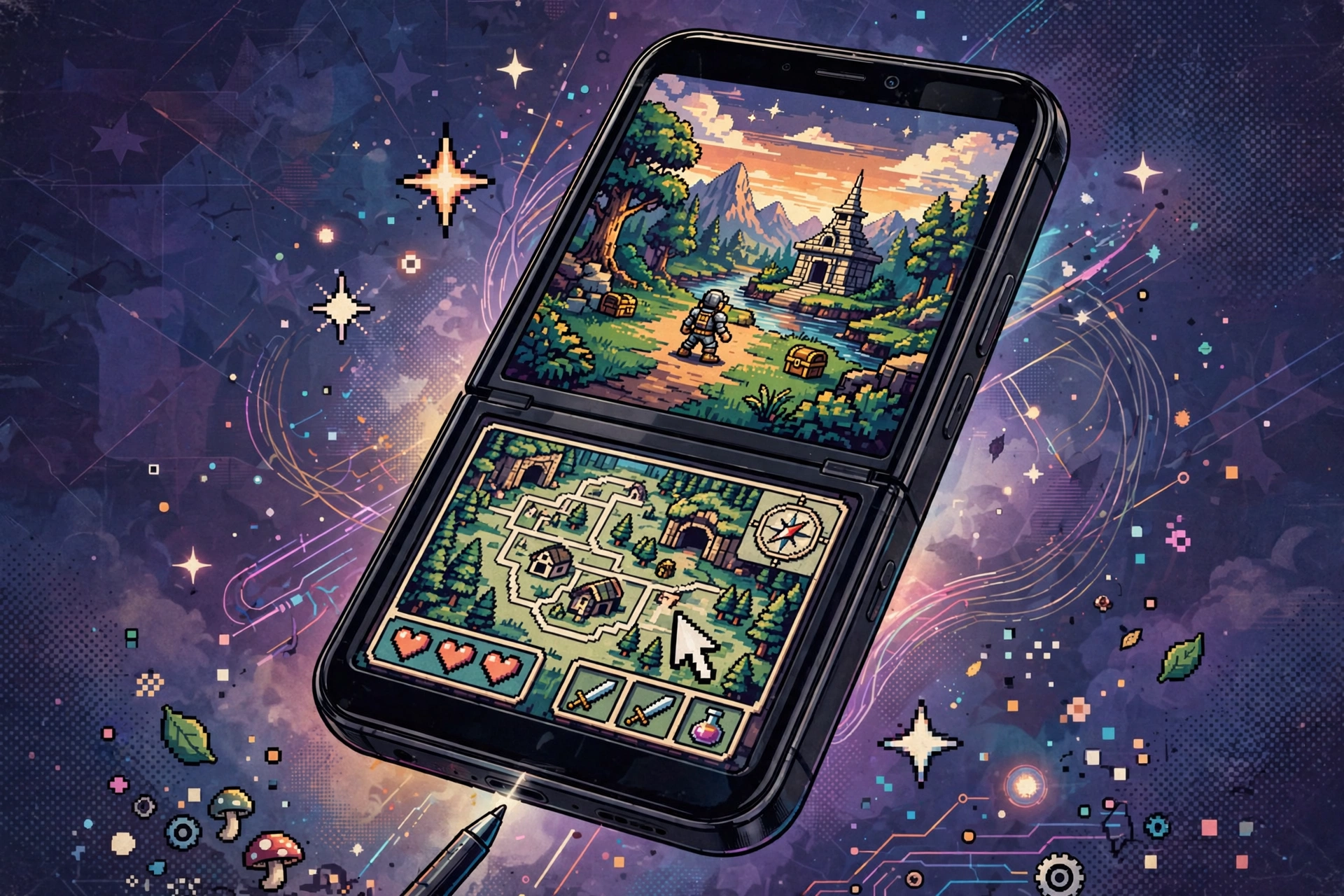
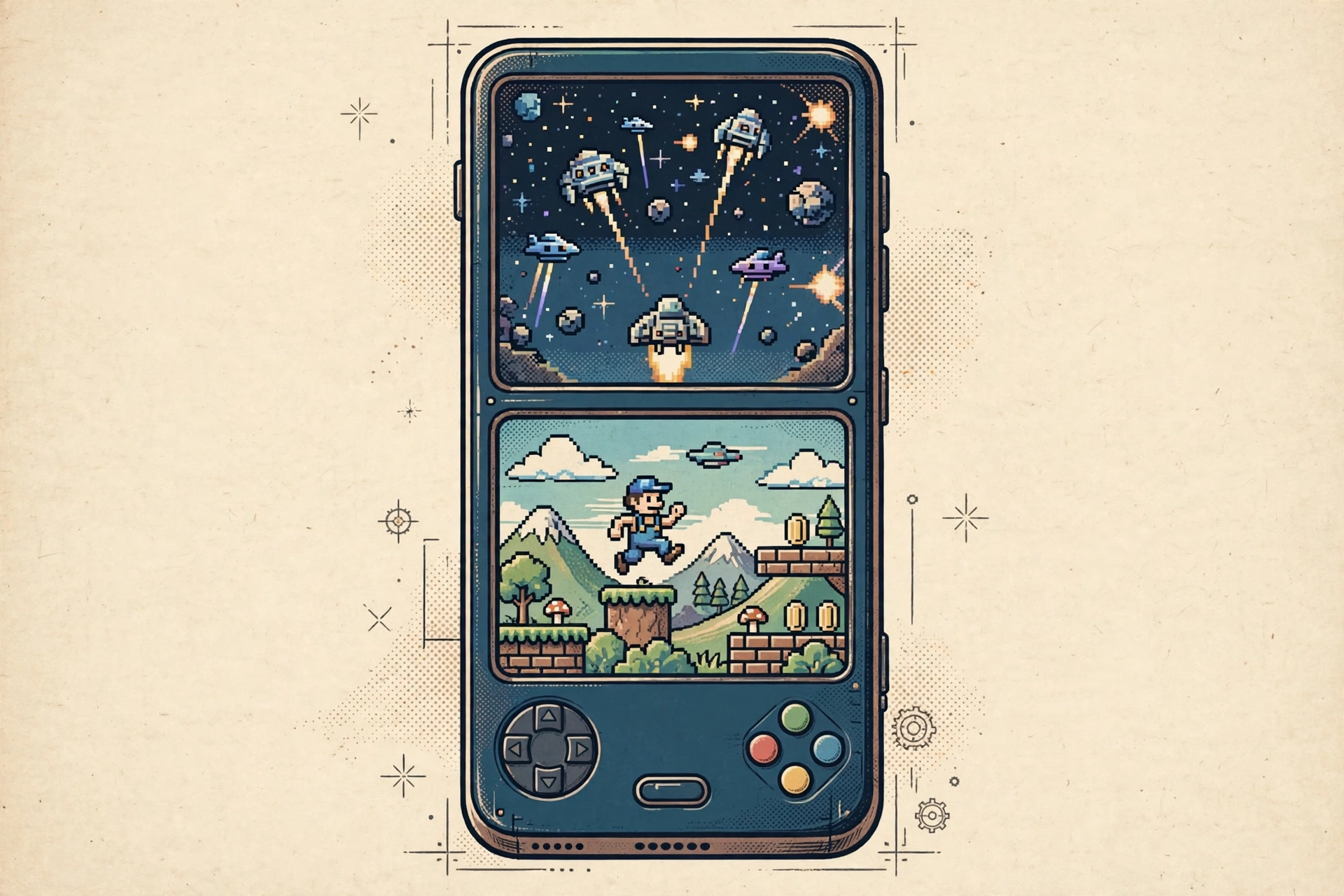
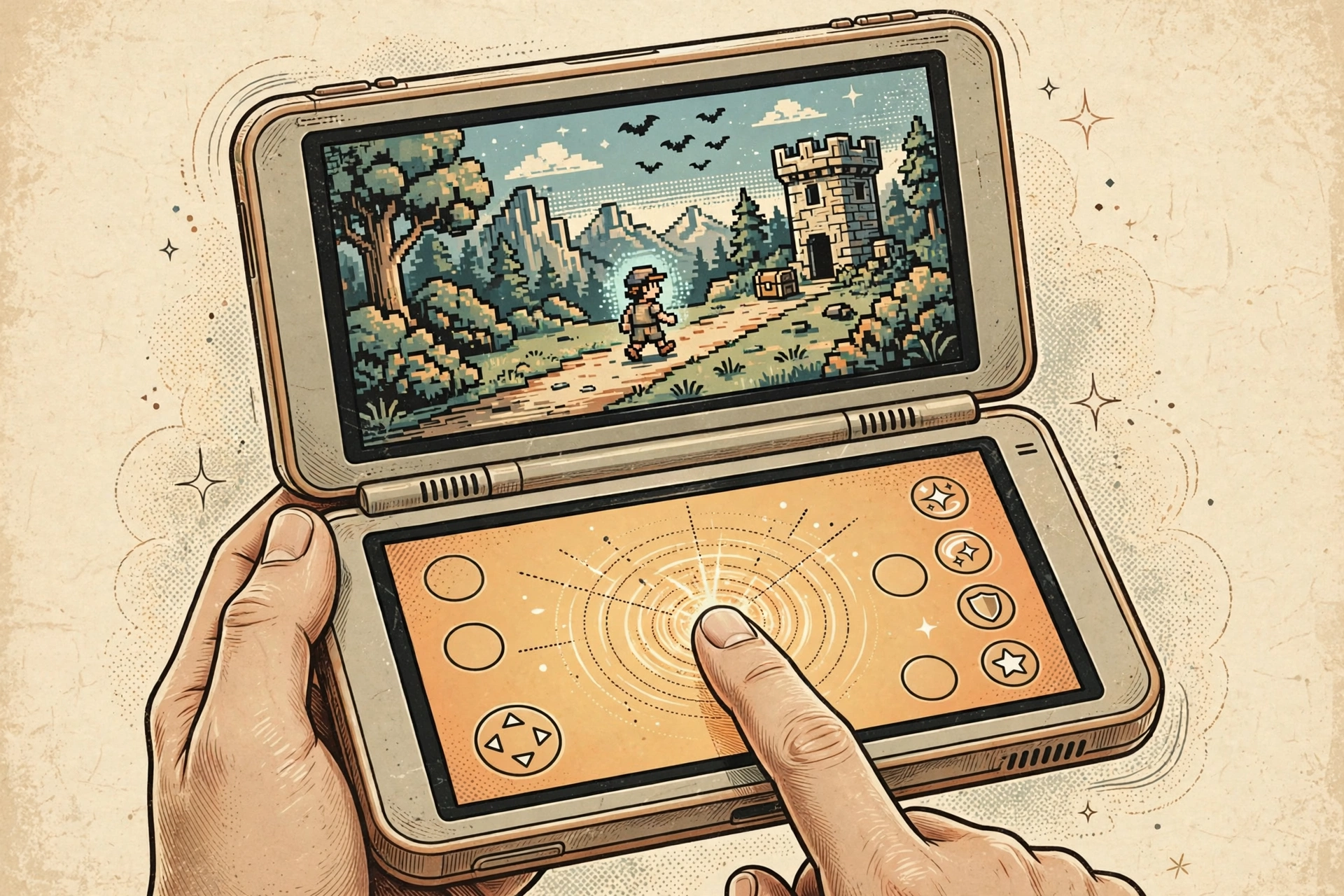
And it’s tiny. Twenty megabytes. The melonds emulator apk renders DS games with the OpenGL renderer, supports real hardware controllers, and lets you arrange the dual screens however you like — stacked, side by side, swap them mid-game. If you grew up with a DS and want a faithful way to replay your collection on modern hardware, this is one of the most respected options out there.
Why Download melonDS on Android?
Plenty of DS emulators on Android are either abandoned, stuffed with ads, or closed-source builds you can’t inspect. melonDS is none of that — completely free, open-source, no ads, no premium tier. The full feature set is there from the moment you install it. And because it aims at accuracy, games that stutter or break on other emulators often just run here.
It also plays nice with weaker phones. The app is small and efficient, so it runs fine on low-to-mid-range hardware, and features like fast-forward and save states make handheld classics perfect for short sessions. If you own the physical DS cartridges and want a modern way to enjoy them, the melonds android apk is the natural pick.
Key Features of melonDS APK
Accurate Nintendo DS Emulation
melonDS emulates the DS hardware faithfully instead of cutting corners, and you can feel it: games look like their developers intended, sound is clean, and the weird edge cases that crash simpler emulators usually just work. If accuracy matters to you more than flashy extras, this is the headline feature.
Free and Open Source
The entire project is open-source, so anyone can audit the code for privacy or security concerns. No ads, no locked features, no paid version — everything’s included free. That kind of transparency is rare among Android emulators and a big reason players trust it.
Save States and Fast-Forward
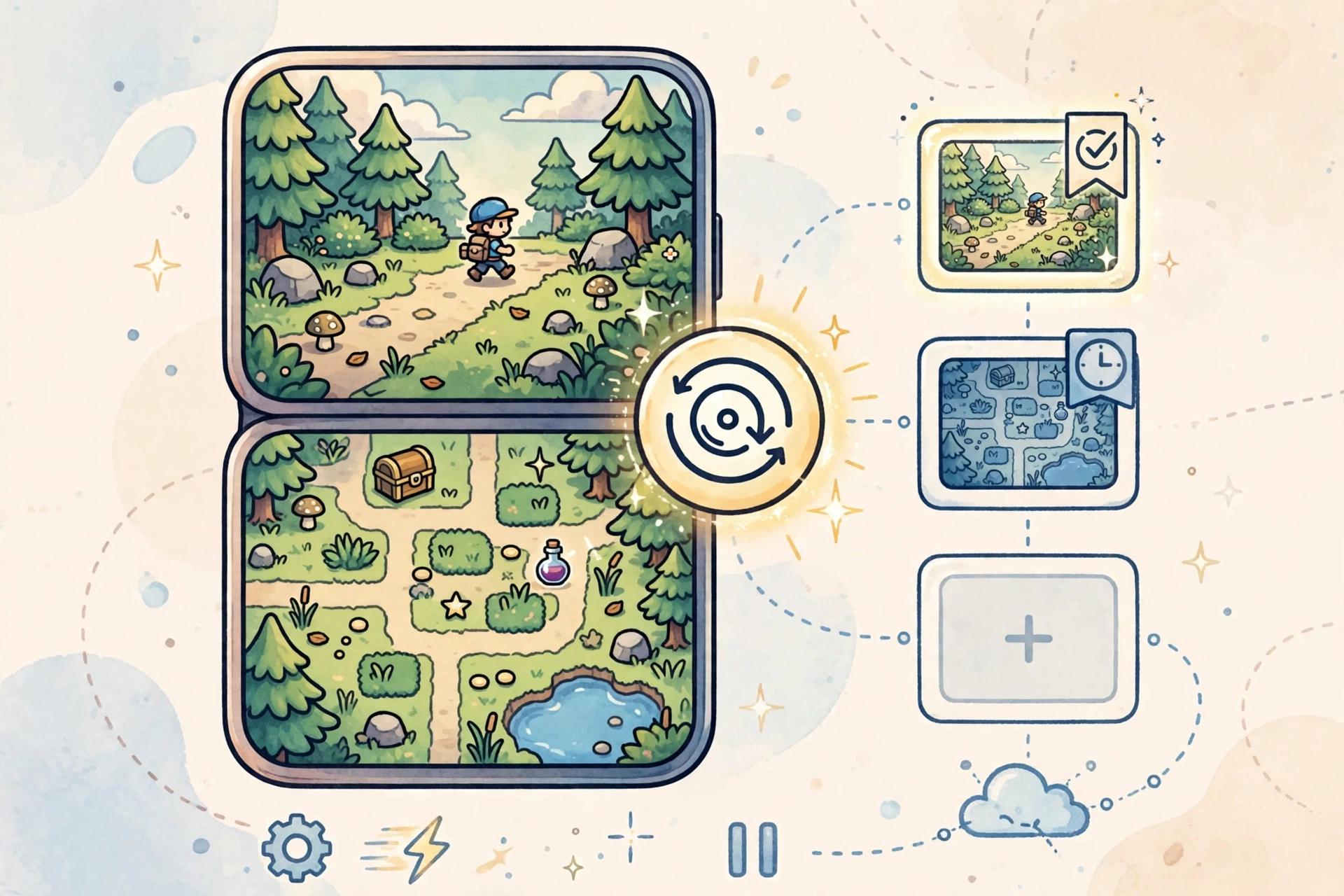
Save your progress at any moment with save states — independent of the game’s own save system. Fast-forward chews through slow dialogue, long tutorials, and grinding sections by speeding the emulation up. Together, these two make classic DS games way more convenient to play on a phone.
Customizable Touch Controls
Resize the on-screen controls, move them, restyle them — suit them to your hands and your screen. Light and dark themes, rearrangeable dual-screen layout, opacity tweaks so the buttons never cover the action. It genuinely feels designed for real play, not just emulation demos.
Action Replay Cheat Support
Built-in Action Replay support means you can punch in cheat codes for unlimited lives, unlocked levels, or rare items with no third-party tools. Codes toggle on and off per game, so you can play straight most of the time and experiment when you feel like it.
Gamepad and OpenGL Renderer
Bluetooth gamepads are fully supported, which changes everything for platformers and action games — no more dying to touch buttons during boss fights. The OpenGL renderer keeps visuals smooth and crisp, and the emulator scales well across phone resolutions without hammering your battery.
How to Install and Load Games
- Tap the Download button on this page to get the melonDS APK file.
- On your device, go to Settings > Security and enable Install from Unknown Sources.
- Open the downloaded file and tap Install, then launch melonDS.
- Put your legally dumped DS BIOS files (bios7.bin, bios9.bin, firmware.bin) and game ROMs in a folder that’s easy to find.
- In melonDS, point the app at your BIOS files in settings, then browse to your ROM folder and tap a game to play.
Note: melonDS ships with no games and no BIOS files. Dump them yourself from hardware you own — downloading them off the internet isn’t legal in most regions.
Pros and Cons
Pros: free and open-source with zero ads; emulation that’s genuinely accurate; save states, fast-forward, and cheats; light on storage and battery.
Cons: you need BIOS files dumped from a real DS; no ROMs included; touch controls take a little tweaking to feel right.
Screenshots
Safety Note
melonDS is open-source, which makes it more transparent than most apps in this space — anyone can review the code. Even so, we have not scanned or verified this particular APK file ourselves, so run it through your own antivirus before installing. And remember the legal side: only play games you legally own and dumped yourself.
FAQs
Is melonds apk download safe?
The app is open-source with a clean reputation, but we haven’t verified this specific file ourselves — always scan APKs from third-party sources with your own antivirus before installing.
Does it come with games?
No. melonDS includes no ROMs, no BIOS, no firmware. You supply the game files, dumped from cartridges you own.
Do I need a powerful phone?
Nope. DS emulation is modest by modern standards — it runs smoothly on most phones with Android 7.0 and up.
Can I use a controller?
Yes. Bluetooth gamepads work and can be mapped in settings — a much better experience than touch controls for most games.
Is it better than other DS emulators?
For accuracy and trust, melonDS is widely considered the top pick. It’s free, open-source, and ad-free, while many alternatives are abandoned or closed-source.
Final Words
If you want a faithful, trustworthy way to replay Nintendo DS classics on Android, melonds apk download is hard to beat. Free, open-source, accurate, and packed with the player-friendly stuff like save states and fast-forward. Dump your BIOS and games from your own hardware, hit the button below, and your DS library travels with you.
✓ Latest v2.0.1 ✓ Free Download ✓ No Sign-Up Needed
Related Posts
Also grab PPSSPP APK Download and Dolphin Emulator APK, or browse the full Arcade Games collection for more emulator downloads.