PPSSPP APK (PSP Emulator) Download for Android
✓ Latest v1.20.4 ✓ Free Download ✓ No Sign-Up Needed
ppsspp apk download is the fastest way to turn your Android phone into a PlayStation Portable. PPSSPP is a free, open-source PSP emulator that runs your own PSP game files in crisp high definition — honestly sharper than the original handheld ever looked. One thing to know upfront: the app comes with no games included. You load ISO or CSO files from PSP games you legally own, and the emulator handles the rest — upscaled graphics, save states, controller support. Got a pile of old PSP discs gathering dust? This ppsspp apk is the easiest way to play them again, anywhere.
| App Name | PPSSPP – PSP Emulator |
| Package Name | org.ppsspp.ppsspp |
| Publisher | Henrik Rydgård |
| Category | Arcade |
| Version | v1.20.4 |
| Size | 18.75 MB |
| Requires Android | 5.0 and above |
| Last Updated | May 2026 |
What Is PPSSPP APK?
PPSSPP stands for “PlayStation Portable Simulator Suitable for Playing Portably” — a mouthful, I know. The idea is simple: a full PSP emulator for Android built by developer Henrik Rydgård. It recreates the PSP’s hardware in software, so real PSP game files boot and play just like they did on the original console. The project’s been in active development for over a decade, which is why this ppsspp apk download runs thousands of titles with impressive accuracy. And unlike sketchy emulator clones, PPSSPP also exists on PC and iOS — the Android build is just the most popular way to play, because your phone’s always in your pocket.
Why Download PPSSPP on Android?
Why bother instead of just digging the old handheld out of a drawer? A few good reasons. First, resolution — PPSSPP upscales games far beyond the PSP’s tiny 480×272 screen, so classics look dramatically better on a modern display. Second, convenience — your whole library lives on one device with instant save states, so you can pause mid-boss-fight and resume on the bus. Third, speed control — fast-forward lets you skip grinding and slow cutscenes in those hundred-hour RPGs. And unlike buying a retro handheld or a used console, the ppsspp emulator apk costs nothing. The app is free, and even mid-range phones from the last few years run it beautifully.
Key Features of PPSSPP APK
HD Graphics Upscaling
Here’s the headline feature: PPSSPP can render PSP games at up to ten times their original resolution, turning blurry 2005-era graphics into crisp HD visuals. Add anisotropic filtering, texture scaling, and post-processing shaders — including CRT filters for that retro glow — and old favorites look better than you remember. It’s genuinely startling the first time.
Save States Anywhere
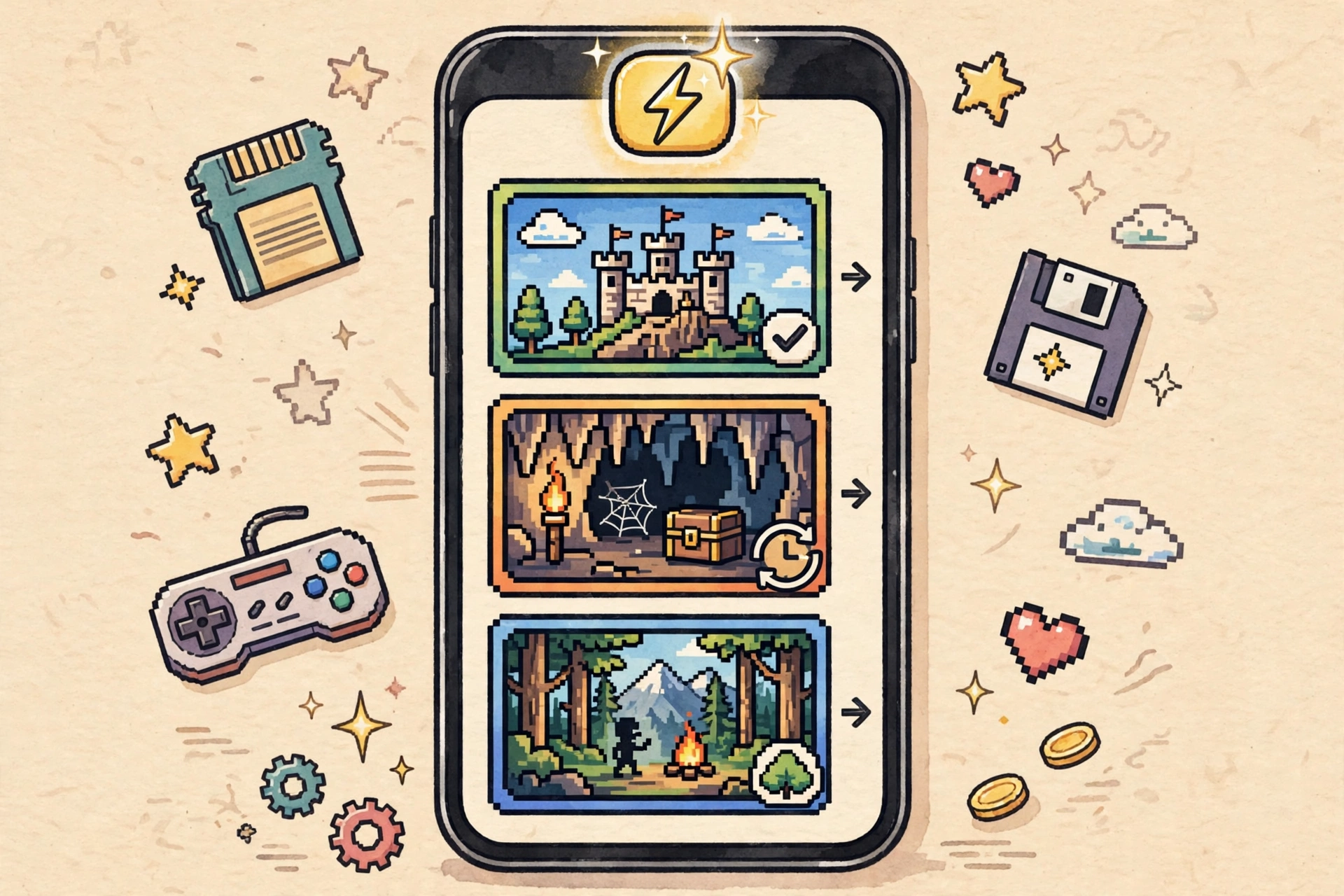
Save states are a game-changer. Save and load at any moment with multiple slots per title, completely independent of the game’s own save system. There’s also an autosave option, so an interrupted session on the train never costs you progress again.
Fast-Forward and Speed Control
The fast-forward toggle speeds through grinding, random encounters, and unskippable cutscenes — an absolute lifesaver in hundred-hour RPGs. You can also slow the game down for tricky precision sections. Both directions, one button.
Customizable Touch Controls
Controls are fully customizable. Every button on the on-screen PSP layout can be moved, resized, or hidden, and opacity is adjustable so the controls never cover the action. You can even map the PSP’s analog nub to your phone’s tilt sensor for racing games. Nerdy? Yes. Fun? Also yes.
Bluetooth Gamepad Support
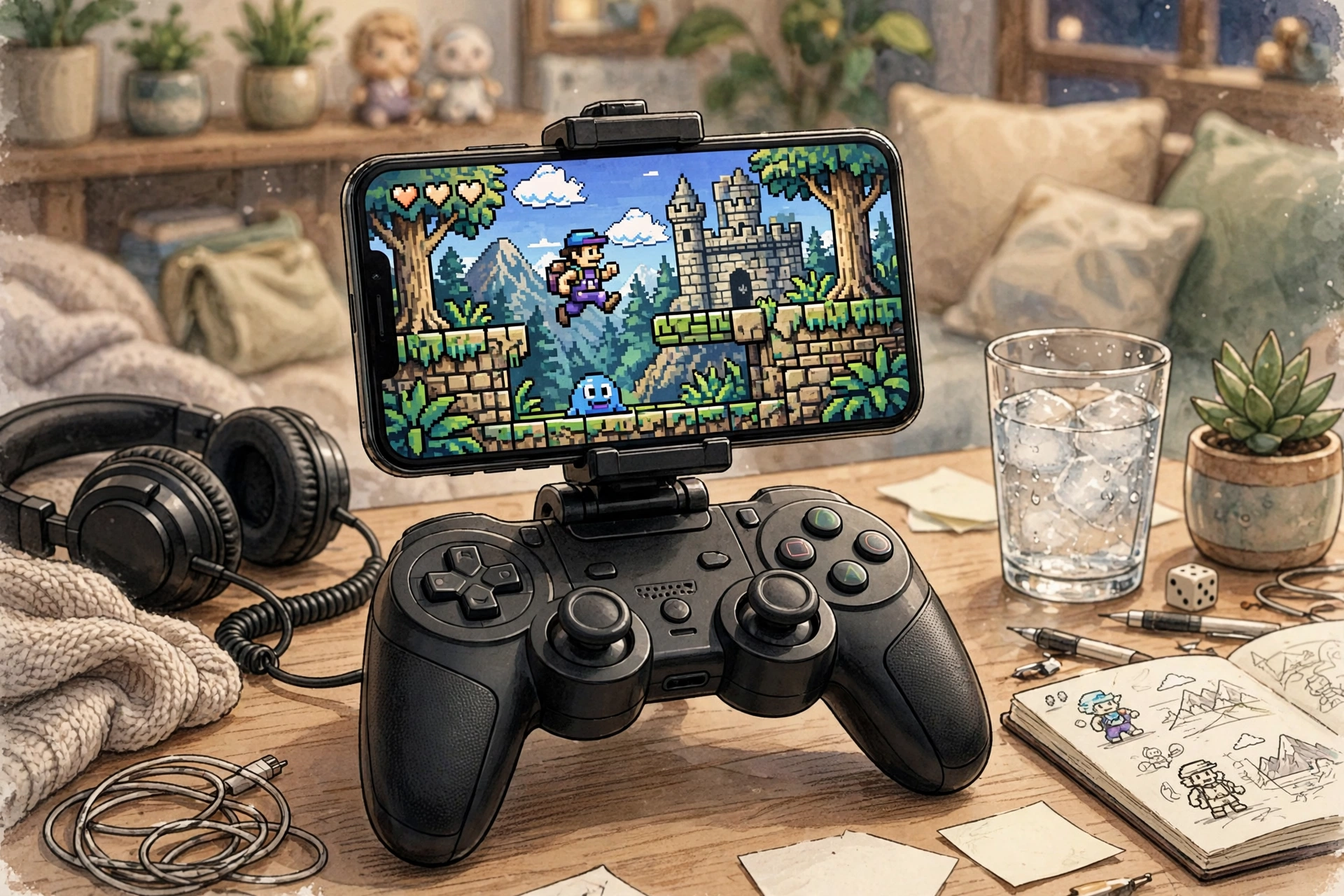
Got a controller? Pair an Xbox, PlayStation, or generic Bluetooth gamepad and PPSSPP maps every PSP button automatically. Gamepad plus a phone stand and you’ve got a genuine handheld-console feel — no touchscreen compromises.
Netplay Multiplayer
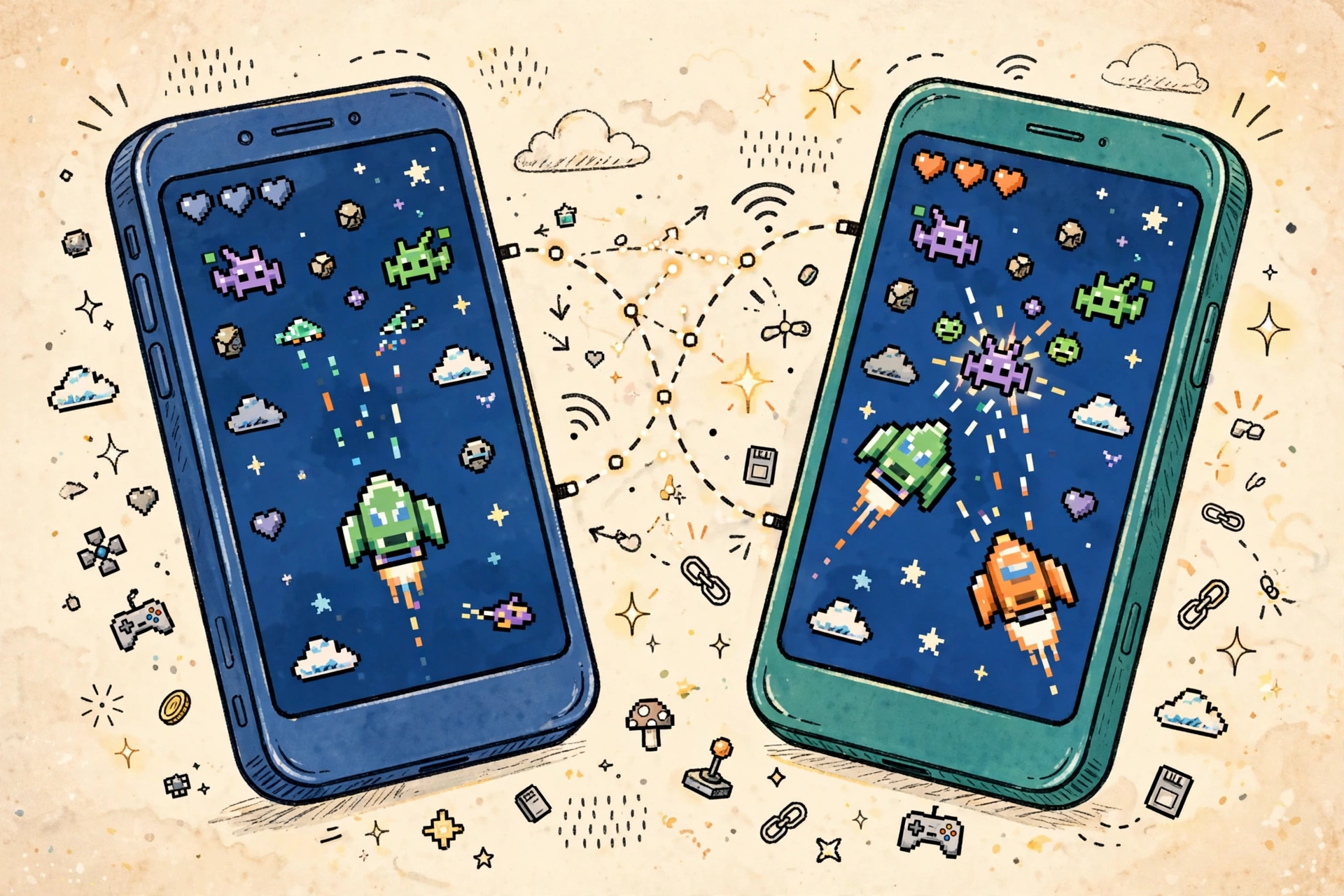
Multiplayer works too. PPSSPP recreates the PSP’s ad-hoc wireless multiplayer over the internet, so you can battle or co-op with friends in supported titles. Built-in chat and a public lobby make finding a match easy, with no extra setup.
How to Install and Load Games
- Tap the Download button on this page to get the APK file.
- Once the ppsspp apk download finishes, open it from your notifications or file manager.
- Enable Install from Unknown Sources when prompted, then tap Install.
- Copy your legally-owned PSP game files (ISO or CSO format) into a folder on your phone — /PSP/GAME/ works well.
- Open PPSSPP, tap Games, browse to that folder, and tap a game to start playing.
- Open Settings to tune graphics resolution and controls for your device — no root needed.
Note: only load game files from PSP discs you own. Downloading games you don’t own is piracy, and PPSSPP itself ships with zero games for exactly this reason.
Pros and Cons
Pros: completely free and open source; superb HD upscaling; save states and fast-forward; excellent gamepad and netplay support; tiny 18.75 MB app size.
Cons: no games included — you supply your own files; a few demanding titles still have minor glitches; best visuals need a mid-range phone or better.
Screenshots
Safety Note
PPSSPP itself is a well-known open-source project with a clean track record, but we have not scanned or verified any APK file linked here — always run your own antivirus check before installing anything from outside the Play Store. And only play game files from PSP discs you legally own. Downloading games you don’t own is piracy, whichever emulator you use.
FAQs
Is PPSSPP free to use?
Yes — PPSSPP is completely free and open source. No ads, no premium tiers, no locked features in the standard Android build.
Does this ppsspp apk download include any games?
Nope. The app ships with zero games. You need ISO or CSO files from PSP games you legally own, copied to your phone’s storage, before anything will play.
What kind of phone do I need?
Any phone on Android 5.0 or newer can install it, but a mid-range device from the last few years is recommended for smooth HD upscaling. Lighter settings run fine on older hardware.
Can I play multiplayer with friends?
Yes — in games that supported the PSP’s ad-hoc mode. PPSSPP’s netplay recreates that wireless link over the internet, with a built-in lobby for finding matches.
Is PPSSPP legal?
The emulator itself is legal — it contains no Sony code. What matters is your game files: only play copies of games you own, and you stay on the right side of the law.
Final Words
PPSSPP is still the definitive way to play PSP games on Android — free, accurate, and packed with modern upgrades like HD upscaling, save states, and fast-forward. Grab the ppsspp apk download below, load up your own game files, and your favorite PSP classics are ready to play wherever you go.
✓ Latest v1.20.4 ✓ Free Download ✓ No Sign-Up Needed
Related Posts
If you enjoy classic gaming on your phone, check out Dolphin Emulator APK for GameCube and Wii titles, RetroArch APK for Firestick for an all-in-one retro setup, or browse our Arcade Games category for more.