RetroArch APK for Firestick Download (Retro Emulator)
✓ Latest v1.22.2 ✓ Free & Open Source ✓ No Ads
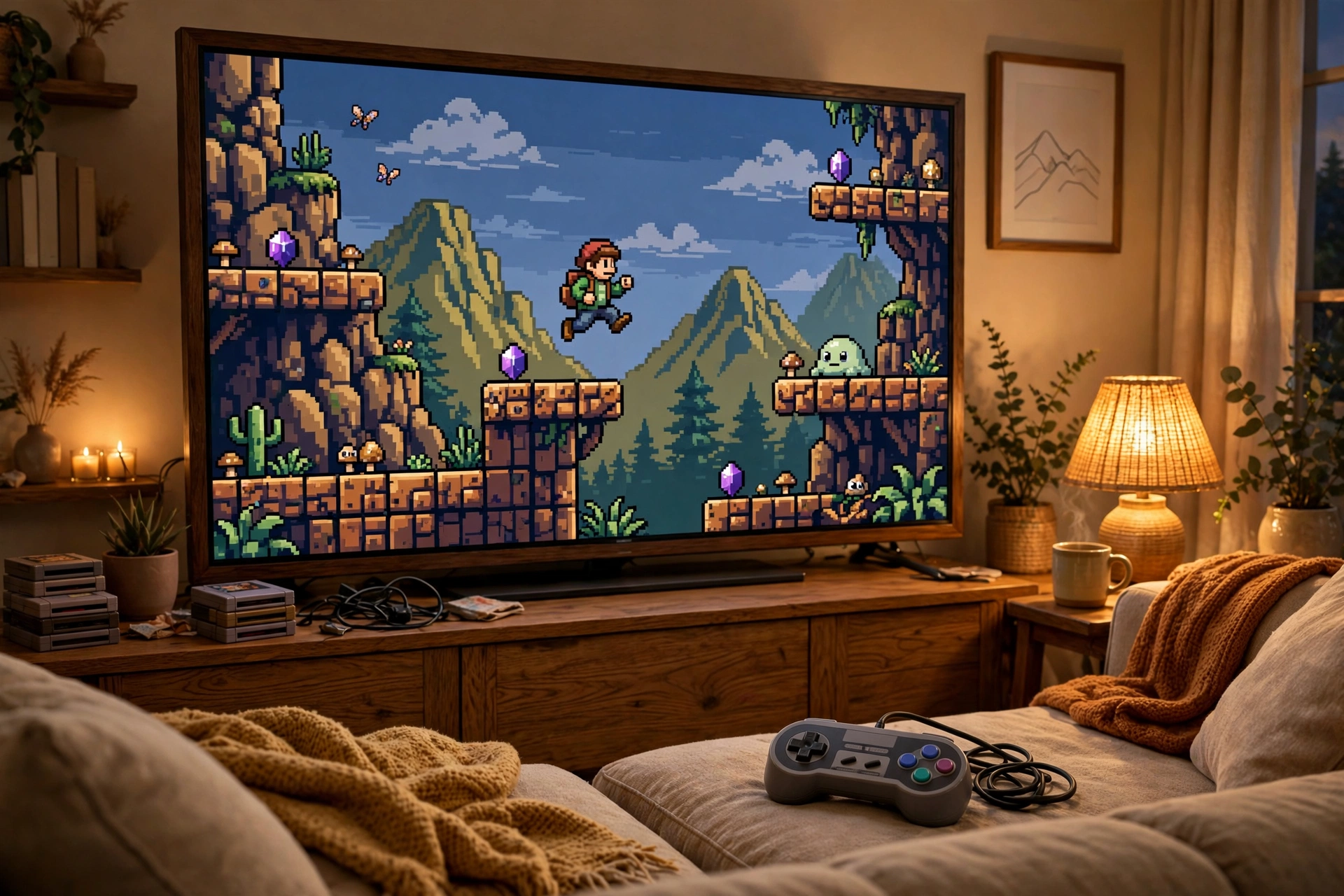
Want the games you grew up with on your big screen? The retroarch apk for firestick turns a plain Amazon Fire TV Stick into a full-on retro gaming machine. RetroArch is free, open source, and packs dozens of emulator “cores” — NES, SNES, Genesis, PlayStation 1, arcade, you name it — into one slick app. Amazon won’t list it on the Appstore, so you sideload the retroarch apk download manually. Sounds scary? It’s not — takes under ten minutes with the Downloader app. Then it’s save states, CRT shaders, proper controller support, and even online netplay, all on the biggest screen in your house.
| App Name | RetroArch |
| Package Name | com.retroarch |
| Publisher | Libretro |
| Category | Tools |
| Version | v1.22.2 |
| Size | ~184 MB (full build) |
| License | Free & Open Source |
| Requires Android | 5.0 and above |
| Last Updated | August 2026 |
What Is RetroArch APK for Firestick?
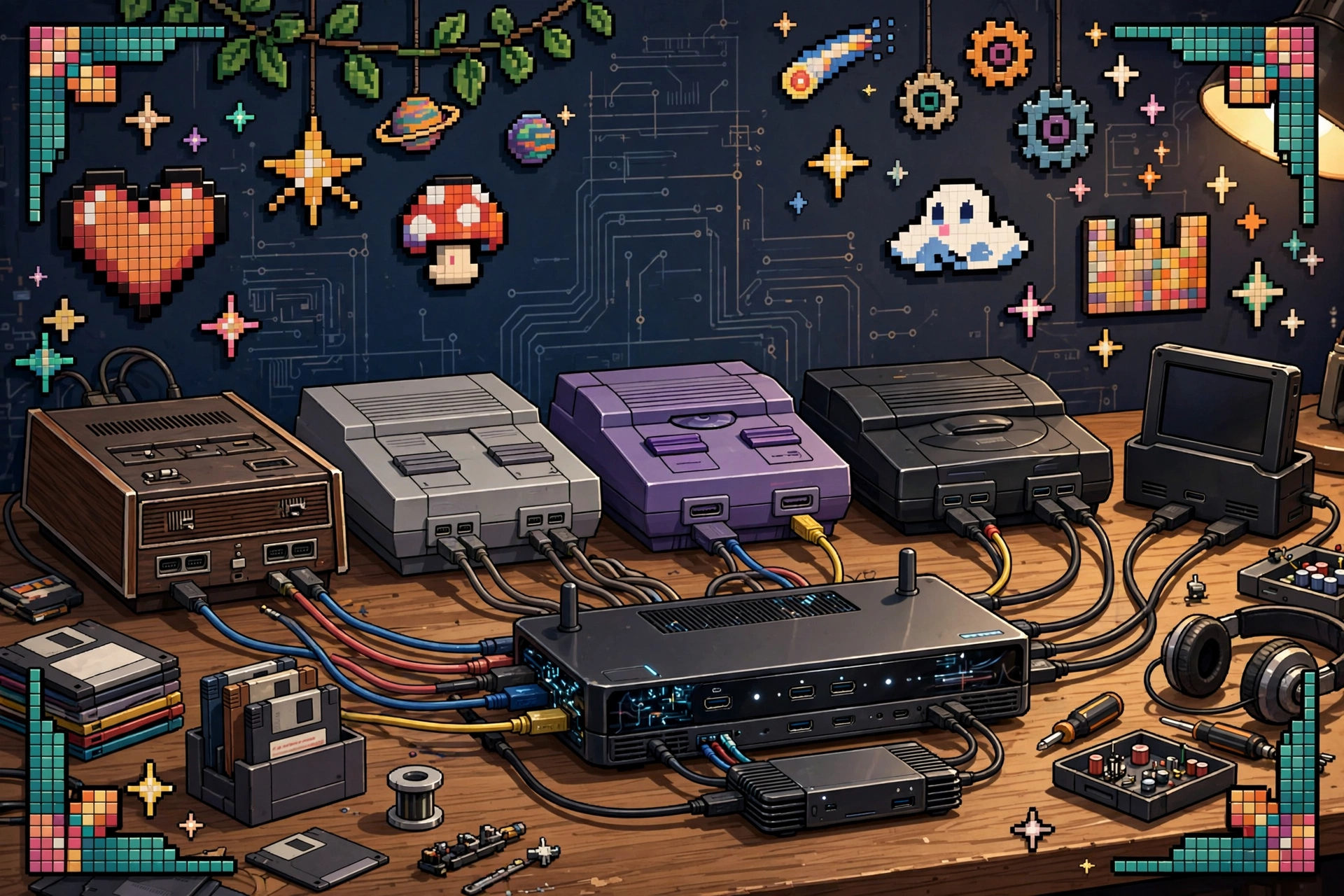
Here’s the thing most people get wrong: RetroArch isn’t one emulator. It’s a frontend for something called the Libretro API — one app that runs 80+ emulator “cores” built by different developers. So instead of juggling ten separate emulator apps, you install RetroArch once and grab only the cores you need from its built-in Core Downloader. The whole project is free and open source. No ads, no premium tier, no tracking, no nonsense. And the Firestick build is the same Android app as the phone version, just tuned for TV remotes and gamepads.
Why Sideload RetroArch on Firestick?
Your Fire TV Stick is honestly capable little hardware — it’s just locked behind the Amazon Appstore, which blocks emulator apps as a matter of policy. That’s exactly what sideloading is for. One APK file unlocks what the store won’t give you. Plug in a Bluetooth controller, sink into the couch, and suddenly that stick is a multi-console retro station. The CRT shaders are the cherry on top — they recreate that warm old-tube-TV glow, which looks way better on a 4K panel than raw stretched pixels. A proper retroarch firestick apk setup genuinely beats installing a bunch of single-system emulators.
Key Features of RetroArch
80+ Emulator Cores in One App
One install, and you’ve got Nintendo, Sega, Sony, NEC, Atari, and arcade systems covered through the Libretro core library. Each core is maintained separately, so accuracy keeps improving without you hunting down new apps every few months. Just enable the systems you actually play and keep the interface clean.
Built-In Core Downloader
No sketchy digging around the web for emulator files. Open the Online Updater inside RetroArch and pull cores, shaders, and controller profiles straight from Libretro’s own servers. Everything lands in one tidy folder structure. It’s refreshingly civilized.
Full Controller Support and Remapping
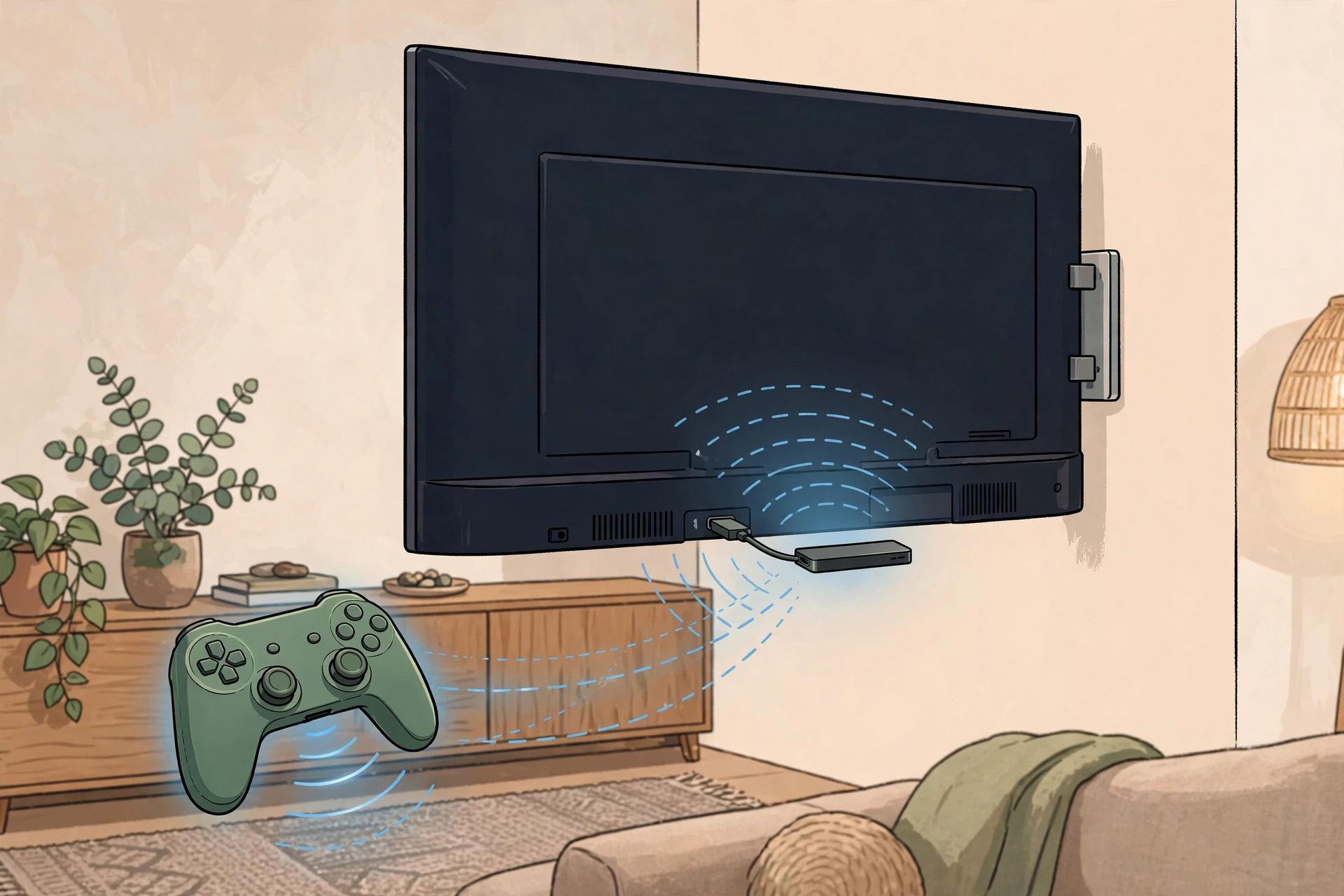
I’ve paired Xbox, PlayStation, and cheap no-name Bluetooth pads with Fire TV — they all connect in seconds, and RetroArch auto-configures most of them. You can remap every button per core or even per game. And when the controller’s charging, the Fire TV remote handles menu navigation just fine.
Save States and Rewind
Old games didn’t have autosave. RetroArch fixes that: freeze the action anytime with save states, keep multiple slots per game, and rewind a few seconds when a cheap death steals your progress. This is what makes short evening sessions actually work — pause mid-level, kill the TV, pick it up tomorrow.
CRT Shaders and Visual Filters
Raw 90s pixels look harsh on modern displays, let’s be honest. RetroArch’s shaders bring back scanlines and screen curvature so games look the way you remember them — and dozens of presets run perfectly smooth on Firestick hardware. Try a few; everyone ends up with a favorite.
Netplay Online Multiplayer
Here’s a fun one: lots of cores support netplay, so two people can share one emulated console over the internet. Host from your Firestick, your friend joins from their own RetroArch anywhere in the world. Like handing the second controller to someone across the country.
How to Install on Firestick
To get retroarch on firestick running, you’ll sideload the APK using Amazon’s Downloader tool. These steps work on the Fire TV Stick 4K, 4K Max, and Fire TV Cube:
- Grab the Downloader app from the Amazon Appstore on your Firestick. It’s free.
- Go to Settings > My Fire TV > Developer Options and switch on Install Unknown Apps, then allow it for Downloader. (On newer Fire OS, tap the device name under About seven times to make Developer Options appear.)
- Open Downloader, punch in the download URL for the RetroArch APK, and let it download.
- When it finishes, hit Install — then delete the installer file to claw back some space.
- Launch RetroArch from Your Apps & Channels, open the Online Updater, and download cores for the systems you want to play.
Tip: pair a Bluetooth controller before your first game. The Fire TV remote is fine for menus but miserable for platformers. A retroarch android tv apk install works exactly the same on Android TV and Google TV devices, by the way.
Pros and Cons
Pros: completely free and open source, 80+ cores in a single app, zero ads, and genuinely great controller and shader support.
Cons: you have to sideload it, the menus take a little learning, and you supply your own game files.
Screenshots
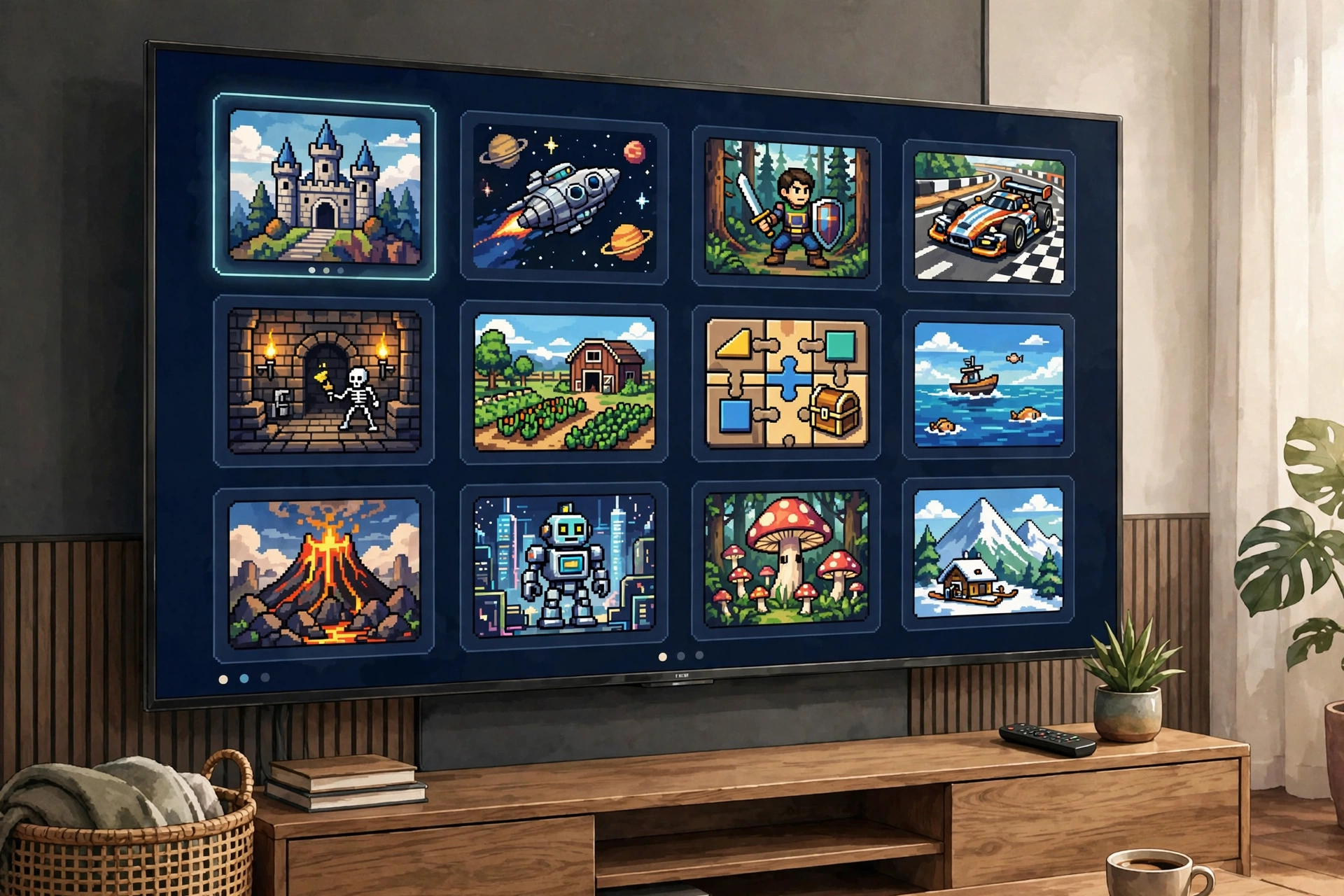
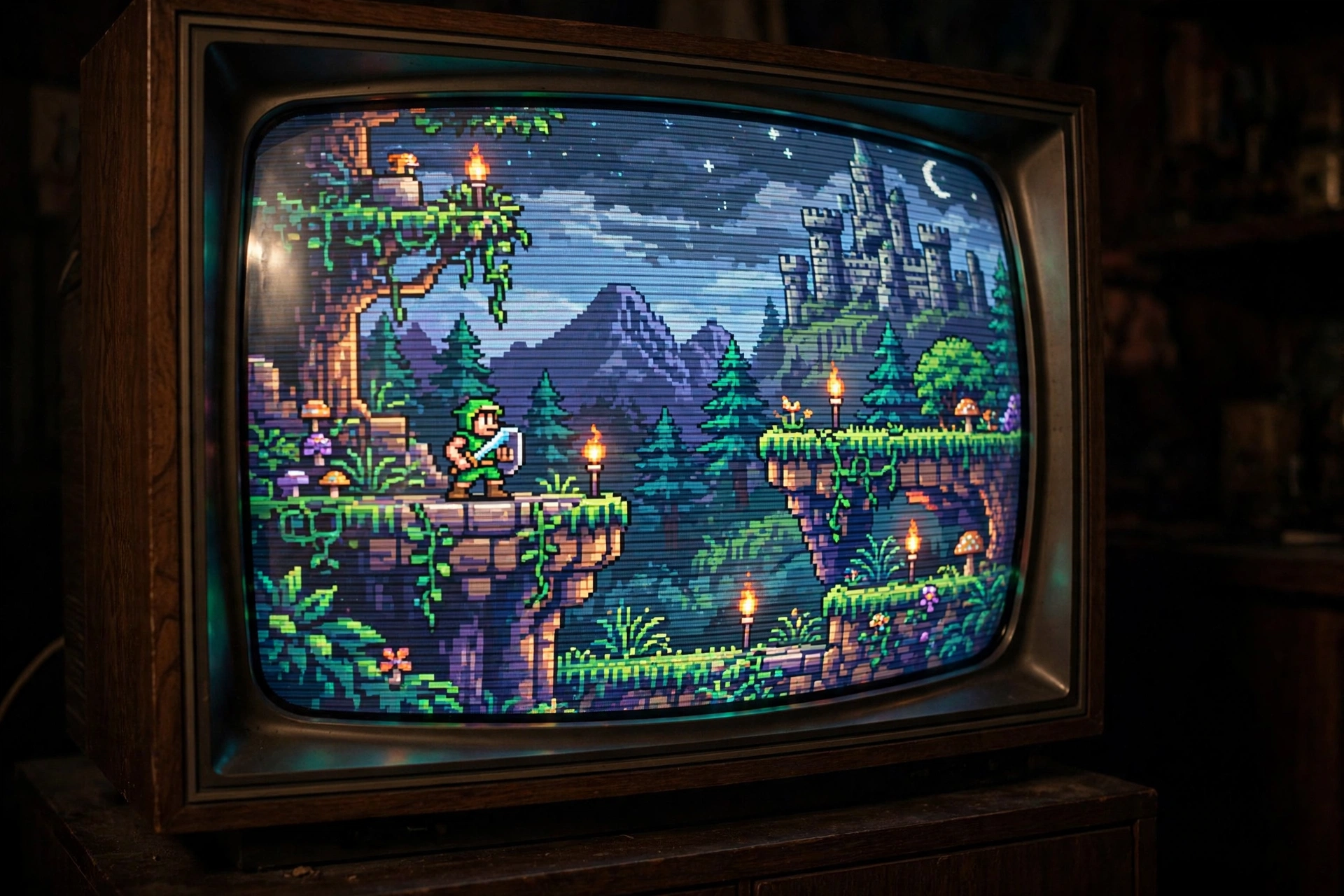
Safety Note
RetroArch itself is legit open-source software from Libretro — no funny business. But this page’s APK file was not scanned or verified by us, so run your own antivirus or VirusTotal check before installing, and only download from sources you trust. And one important thing: RetroArch ships with no games included. You bring your own game files — ideally dumped from cartridges and discs you own. Downloading ROMs for games you don’t own can violate copyright law where you live, so keep it legal.
FAQ
Is RetroArch really free?
Yes — 100% free. It’s open source: no ads, no premium version, no account needed. If any site tries to charge you for RetroArch, close the tab. The real thing costs nothing.
Why is RetroArch not on the Amazon Appstore?
Amazon’s store policies restrict emulator apps, so Libretro simply doesn’t publish there. Sideloading the APK is the normal, accepted workaround — a few minutes with the Downloader app and you’re done.
Do I need a VPN to use it?
Nope. Once your cores are downloaded, RetroArch runs fully offline. A VPN is a personal privacy choice, not something the app needs.
Which controllers work with it on Firestick?
Pretty much any Bluetooth controller works — Xbox, PlayStation, 8BitDo, generic pads, all pair through Fire TV settings. Wired USB controllers work too with an OTG adapter, and RetroArch auto-maps buttons for most popular pads.
Does it come with games pre-installed?
No. It’s an emulator frontend, nothing more. You add your own legally-obtained game files and point each core at your game folder.
Final Words
Honestly? A Fire TV Stick plus the retroarch apk for firestick is the cheapest ticket back to the games you grew up with — one free app, dozens of consoles, all from your couch. Sideload it once, grab your favorite cores, pair a controller, and your living room becomes an arcade. Hit the button below and you could be playing tonight.
✓ Latest v1.22.2 ✓ Free & Open Source ✓ No Ads
Related Posts
Enjoying RetroArch? Try Terraria MOD APK for deep crafting adventures, Stumble Guys MOD APK for chaotic party races, or browse our Tools Apps category for more useful sideloaded apps.