Dolphin Emulator APK (GameCube/Wii) Download for Android
✓ Latest v2609 ✓ Free Download ✓ No Games Included
The dolphin emulator apk brings the legendary GameCube and Wii emulator to your Android phone. If you grew up on Nintendo classics, Dolphin lets you replay them in HD — sharper graphics, save states, touchscreen or gamepad controls. One thing to know upfront: the app includes zero games. You dump your own legally purchased discs. That’s it.
| App Name | Dolphin Emulator |
| Package Name | org.dolphinemu.dolphinemu |
| Publisher | Dolphin Emulator Project |
| Category | Arcade |
| Version | v2609 |
| Size | 8.08 MB |
| Requires Android | 7.0 and above (64-bit) |
| Last Updated | September 2026 |
What Is Dolphin Emulator APK?
Dolphin is a free, open-source emulator built by the Dolphin Emulator Project. It recreates GameCube and Wii hardware in software, so your phone can run games made for those consoles. The project started on PC over twenty years ago, and the Android build carries that same battle-tested engine into your pocket. Its open-source code is public for anyone to inspect — a big reason the emulation community trusts it.
Unlike a remaster or a mobile port, an emulator runs the original game code. So compatibility depends on how well each title is emulated: most popular GameCube and Wii games run great on modern phones, while a handful of demanding ones need stronger hardware or some tweaked settings to hit full speed.
Why Download Dolphin on Android?
Here’s the fun part: a flagship phone from the last few years is far more powerful than the GameCube or Wii ever were. Dolphin puts that power to work — render old games at 1080p or higher, enable widescreen patches, use save states to stop and resume anywhere. For travelers or anyone without a retro setup, that’s a library of classics in your pocket: Mario Kart on a train ride, Zelda on the couch. Pair a Bluetooth controller and it genuinely feels like a real console.
Key Features of Dolphin Emulator
HD Upscaling and Widescreen Support
GameCube titles originally ran at 480p — chunky by today’s standards. Dolphin can render them at 1080p, 1440p, or higher on a capable phone, with widescreen hacks for games designed around old 4:3 TVs. Edges sharpen, textures clean up, the whole game feels modern. The dolphin emulator apk settings let you tune resolution per game, so demanding titles can run at native resolution while lighter ones get the full HD treatment.
Save States and Fast Forward
Save states freeze a game at any exact moment so you can return later — perfect for brutal boss fights or long RPG sessions. Dolphin on Android supports multiple save slots per game, plus fast-forward to skip slow cutscenes or speed through grinding. Convenience the original hardware never offered.
NetPlay Online Multiplayer
NetPlay lets you play local-multiplayer GameCube and Wii games with friends over the internet — like you’re on the same couch. Both players need the same game file and a decent connection, but classics like Mario Kart: Double Dash become online experiences Nintendo never officially offered. Pretty cool.
Controller and Touch Screen Controls
Dolphin supports Bluetooth and USB gamepads, and most controllers map automatically to the GameCube layout. The on-screen touch controls are fully customizable — resize, reposition, even create per-game layouts. For Wii titles, the touchscreen can emulate pointer and motion input… though a real controller always feels better for action games, let’s be honest.
Cheats and Custom Texture Packs
Built-in cheat support applies Action Replay and Gecko codes without extra tools — unlimited lives, unlocked characters, debug menus. And the community has made high-resolution texture packs that swap original assets for sharper artwork, basically remastering twenty-year-old games. Installing a pack is as easy as dropping files into the Dolphin folder.
Free, Open Source and Ad-Free
Dolphin is GPLv3: completely free, no ads, no premium tiers, no locked features. Development is donation-funded, not ad-driven. Which also means no shady modified builds are needed — the official app is already the full, unrestricted version.
How to Install and Load Games
- Tap the Download button on this page to get the dolphin emulator apk file.
- On your device, go to Settings > Security and enable Install from Unknown Sources.
- Open the downloaded file and tap Install.
- Launch Dolphin and grant storage permission so it can see your game files.
- Add your legally dumped GameCube or Wii game files (ISO, GCM, or RVZ format) to a folder, then point Dolphin at that folder to build your library.
- Tap a game to start playing — tweak the graphics settings if a title runs slowly.
Important: Dolphin ships with no games. Downloading files you don’t own is piracy — only dump discs you bought yourself.
Pros and Cons
Pros: completely free and open source; HD upscaling makes classics look great; save states, NetPlay, and cheat support; works with Bluetooth controllers.
Cons: no games included — you dump your own discs; demanding Wii titles need a powerful phone; setup takes some fiddling for beginners.
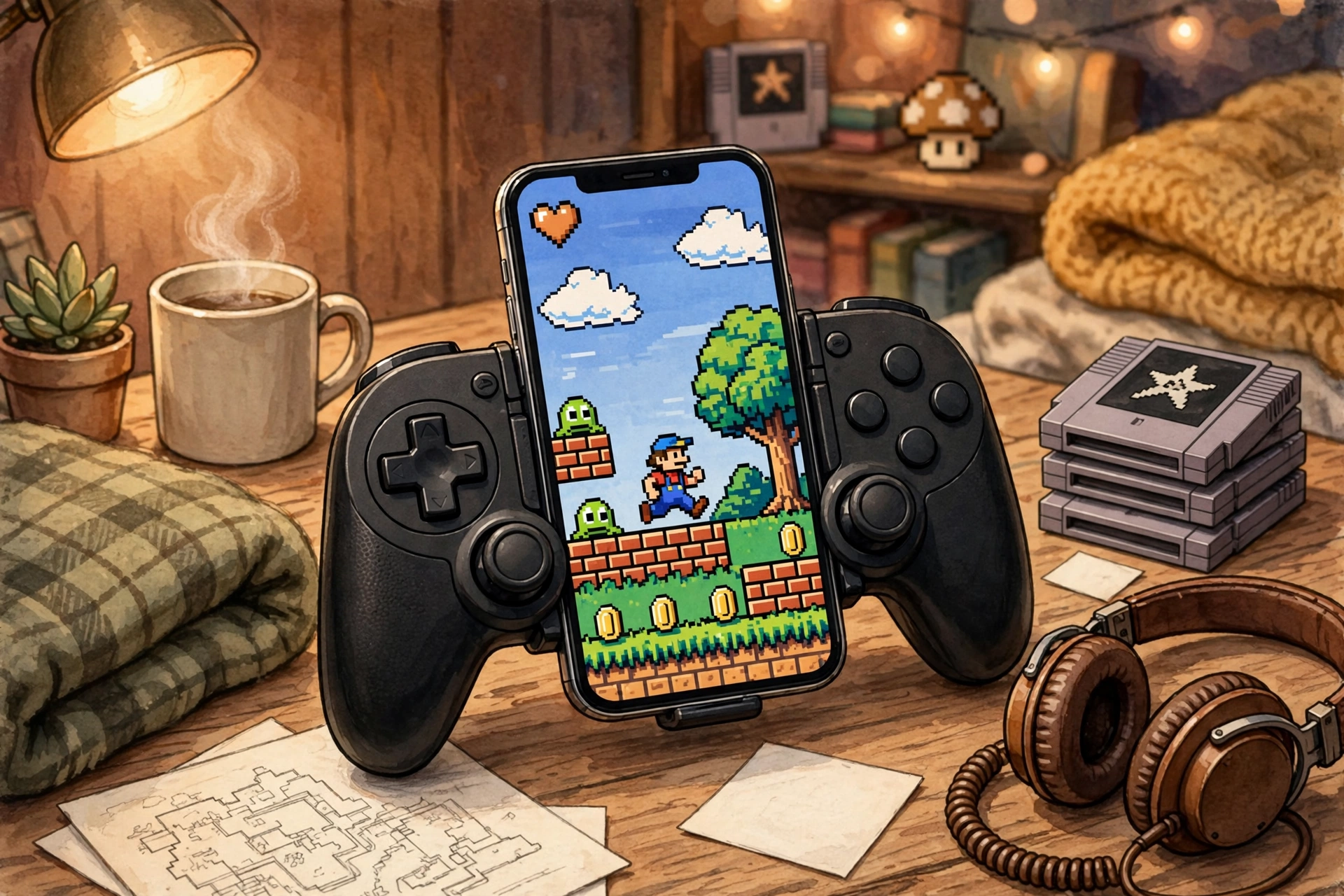
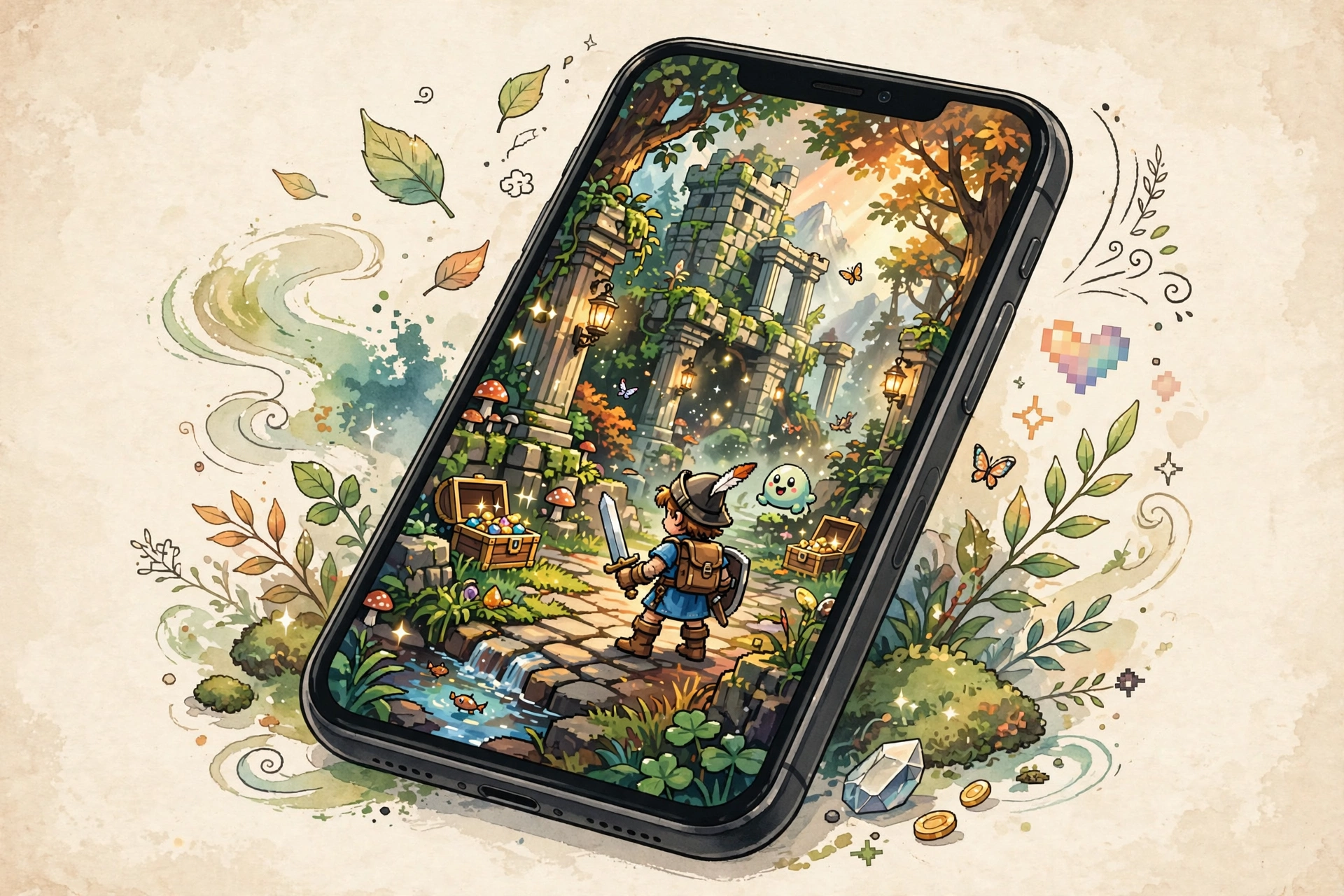
Screenshots

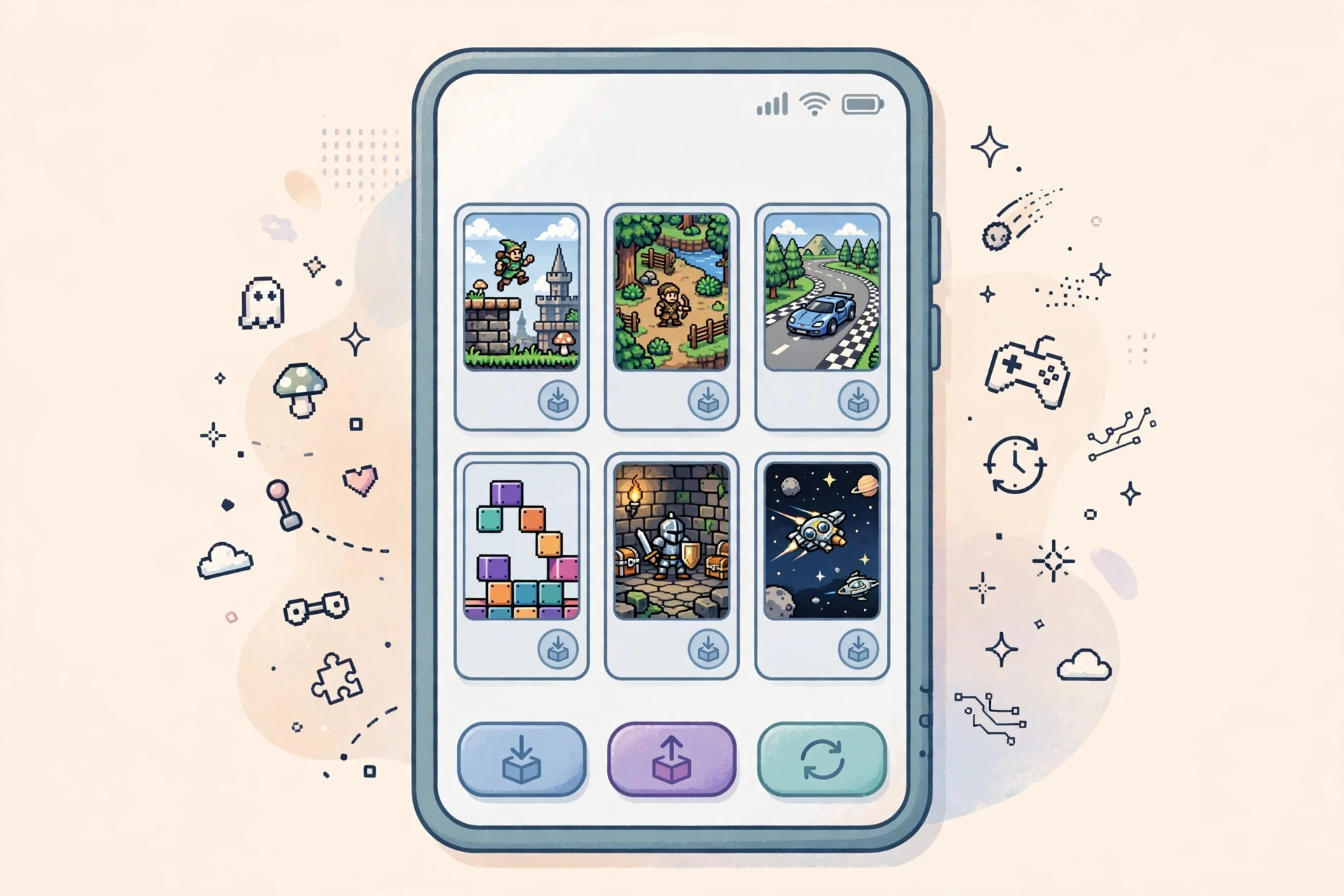
Safety Note
Dolphin is open source with publicly auditable code — which makes it one of the safer emulators you can install. Still, we have not scanned or verified any file ourselves: download from official sources and run your own antivirus check before installing. And remember: the emulator itself is legal, but downloading game ROMs you don’t own is not. Stick to games you’ve purchased and dumped yourself.
FAQ
Is dolphin emulator apk safe to install?
The official Dolphin build is open source and widely trusted. We haven’t verified any file ourselves, so grab it from the official project sources and scan it with your own antivirus first.
Does Dolphin come with games?
No. Dolphin is only the emulator — it can’t play anything until you add your own game files, dumped from discs you legally own.
What phones can run Dolphin?
You need a 64-bit phone on Android 7.0 or higher. Recent mid-range and flagship devices handle GameCube games well; demanding Wii titles want newer flagship chips.
Can I play Wii games with motion controls?
Yes — Dolphin can emulate Wii Remote motion and pointer input through the touch controls, and many players map motion gestures to buttons or a real controller for a smoother experience.
Do I need root to use Dolphin?
Nope. Dolphin installs and runs like a normal app — no root needed on any supported Android version.
Final Words
If you own GameCube or Wii discs, the dolphin emulator apk is the best way to enjoy them on a modern phone — sharper graphics, save states, online multiplayer, and zero cost. Dump your own games, tweak the settings, and relive the classics in HD.
✓ Latest v2609 ✓ Free Download ✓ Open Source
Related Posts
Into retro gaming on Android? Grab the PPSSPP APK Download for PSP classics, or try the RetroArch APK for Firestick for an all-in-one retro frontend. You can also browse more titles in our Arcade Games category.