Aptoide TV APK Download for Firestick & Android TV
✓ Latest v5.1.3 ✓ Free Download
The Aptoide TV APK is the big-screen edition of the popular alternative Android app store, built for set-top boxes, Android TVs, and Amazon Firesticks. If you want the aptoide tv apk download, grab the latest version free from this page. Here’s the problem it solves: the Amazon Appstore lists only a fraction of the apps that actually work on a television, leaving you to hunt down APK files one by one. Aptoide TV fixes that with a remote-friendly storefront where every listing is made for the big screen. Below, I’ll cover what the aptoide tv app offers, why Firestick owners love it, and how to install it in minutes.
| App Name | Aptoide TV |
| Package Name | cm.aptoidetv.pt |
| Publisher | Aptoide |
| Category | Tools |
| Version | v5.1.3 |
| Size | 11.50 MB |
| Requires Android | 4.2 and above (Android TV) |
| Last Updated | October 2025 |
What Is Aptoide TV APK?
This TV-focused store is a separate build of the Aptoide marketplace, redesigned for the living room. Instead of phone-style touch layouts, you get big tiles, horizontal rows, and full navigation with a simple remote — no mouse-toggle apps needed. The catalog leans into software that works on televisions: video players, streaming tools, file managers, launchers the Amazon Appstore limits or omits entirely. At only 11.50 MB it installs in seconds, even on older Fire TV sticks, and updates arrive through the store itself.
Why Install Aptoide TV on Firestick?
Amazon’s store decides what you may install, and its catalog is far smaller than the Play Store. That’s where everyone searching for aptoide for firestick finds their answer: thousands of TV-ready apps that never made it into Amazon’s listings, one search away — media players, file managers, alternative launchers, even older app versions. The interface suits the Firestick remote perfectly, with big buttons and couch-readable text. And since the store runs on Android TV too, one familiar setup covers every television in the house.
Key Features
Remote-Control-Friendly Interface
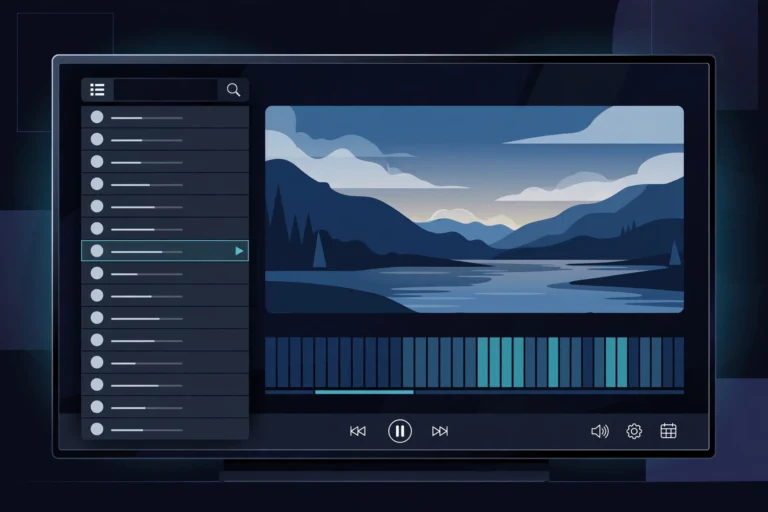
Every screen is designed for a D-pad: menus move in straight lines, buttons read clearly from across the room, and no mouse-toggle app is needed to reach hidden options. Searching, browsing categories, and installing apps all work with the standard Firestick or Android TV remote.
TV-Ready Apps the Amazon Appstore Misses
The Amazon Appstore skips plenty of apps that run perfectly on Fire TV. Aptoide TV lists software picked for the big screen, with version history, file size, and requirements shown before you install. It’s the fastest route to useful apps Amazon chose not to carry.
Featherweight 11.50 MB Install
Just 11.50 MB — one of the lightest app stores for television, period. Budget Firesticks ship with barely any free storage, and a heavy store app can push them over the edge. This build sips resources, launches fast, and leaves room for the apps you actually want.
Support for 75 Languages
75 languages supported — menus and descriptions adapt to your television’s system language automatically. That makes it practical far beyond English-speaking markets, and it’s a big reason for its strong following across Europe, Latin America, and Asia.
Wide Architecture Support
Android TV hardware is a mess: ARM, x86, 32-bit, 64-bit. Aptoide TV handles all of that in the background, serving the correct build for your box or stick automatically. No need to know your chipset or hunt for the right variant yourself.
Simple Browsing and One-Tap Installs
Featured picks, categories, top charts, and a working search bar make finding apps easy. Tap install and the store downloads and sets everything up in one flow, then offers updates when new versions appear. You can even roll back to an older release if an update misbehaves — nice touch.
How to Install on Android TV/Firestick
- Tap the Download button on this page to get the Aptoide TV installation file.
- On your Firestick, open Settings > My Fire TV > Developer Options and enable Apps from Unknown Sources.
- Install the Downloader app from the Amazon Appstore and open the downloaded file with it.
- Choose Install and wait for the process to finish.
- Open Aptoide TV from your apps list and browse the store with your remote.
Note: on Android TV, allow unknown sources for your browser or file manager under Settings > Security & Restrictions instead of step 2.
Pros and Cons
Pros: huge catalog of TV-ready apps missing from the Amazon Appstore; tiny 11.50 MB size; genuinely remote-friendly design; 75 languages; free on Firestick and Android TV.
Cons: it’s a third-party store, so some listings may be outdated; apps outside Amazon’s review need a careful eye; occasional duplicate uploads clutter the search.
Screenshots
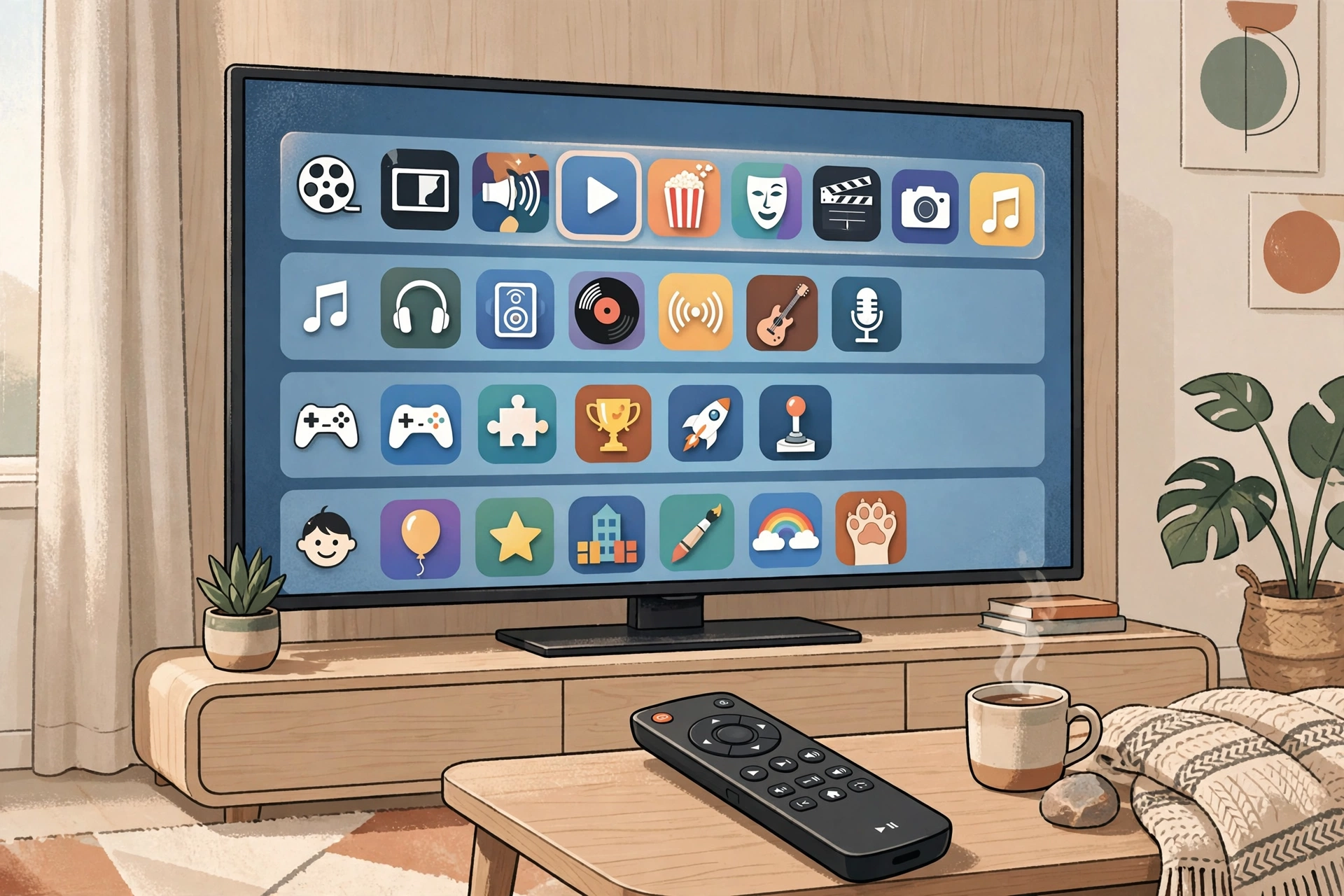
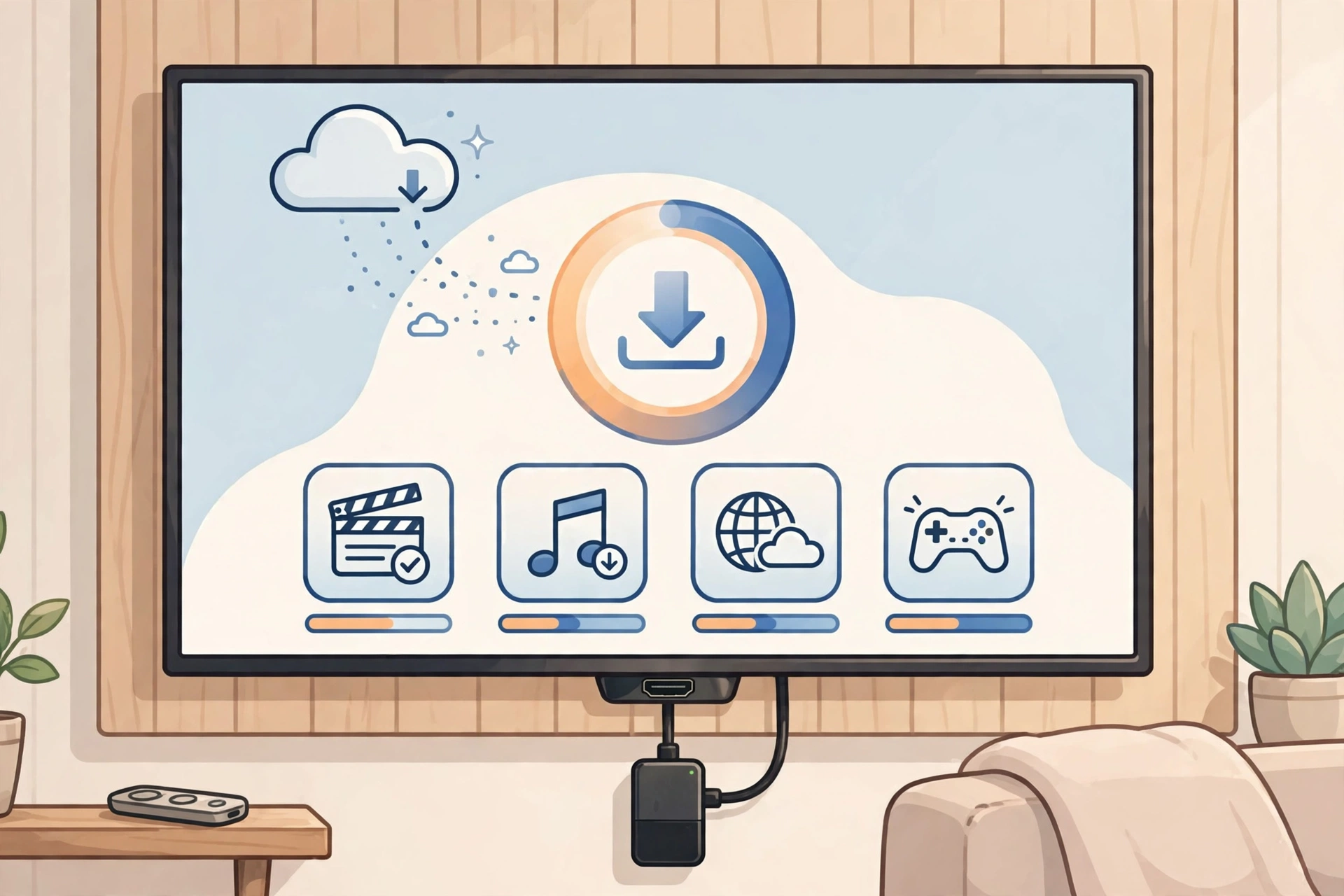
Safety Note
Aptoide TV is a long-established alternative store with millions of users — but any third-party marketplace deserves a bit of caution. Listings can occasionally be outdated or come from unknown uploaders, so check version numbers and ratings before installing. We have not scanned or verified these files ourselves: run your own antivirus check on anything you sideload, and avoid typing sensitive logins into apps from outside the official stores.
FAQs
Is Aptoide TV free to use?
Yes — completely free to download and use, and most listed apps are free too. No subscriptions, no unlock fees.
Is aptoide tv apk safe to install?
It’s a well-established store, widely used on Firesticks and Android TVs. Still, download only from reputable sources and scan files yourself — we haven’t verified these files, so give every sideload the normal amount of caution.
Does Aptoide TV work on Firestick?
Yes — Firestick is one of its main use cases. The interface suits the Fire TV remote perfectly, and the 11.50 MB build runs comfortably even on older sticks.
Do I need to root my device?
Nope. It installs like any normal sideloaded app on Android 4.2 and up — just enable installs from unknown sources.
Can I update apps installed from Aptoide TV?
Yes. The store notifies you of new versions and updates in one tap — and you can roll back if an update causes problems. Handy.
Final Words
Aptoide TV turns a locked-down Firestick or Android TV into a far more open platform. Thousands of TV-ready apps, a remote-friendly interface, and a featherweight install size — it fills the gaps the Amazon Appstore leaves behind. Install the store once and let it handle the rest. Hit the button below to get the latest version free.
✓ Latest v5.1.3 ✓ Free Download