SmartTube APK (Ad-Free YouTube) Download for Firestick & Android TV
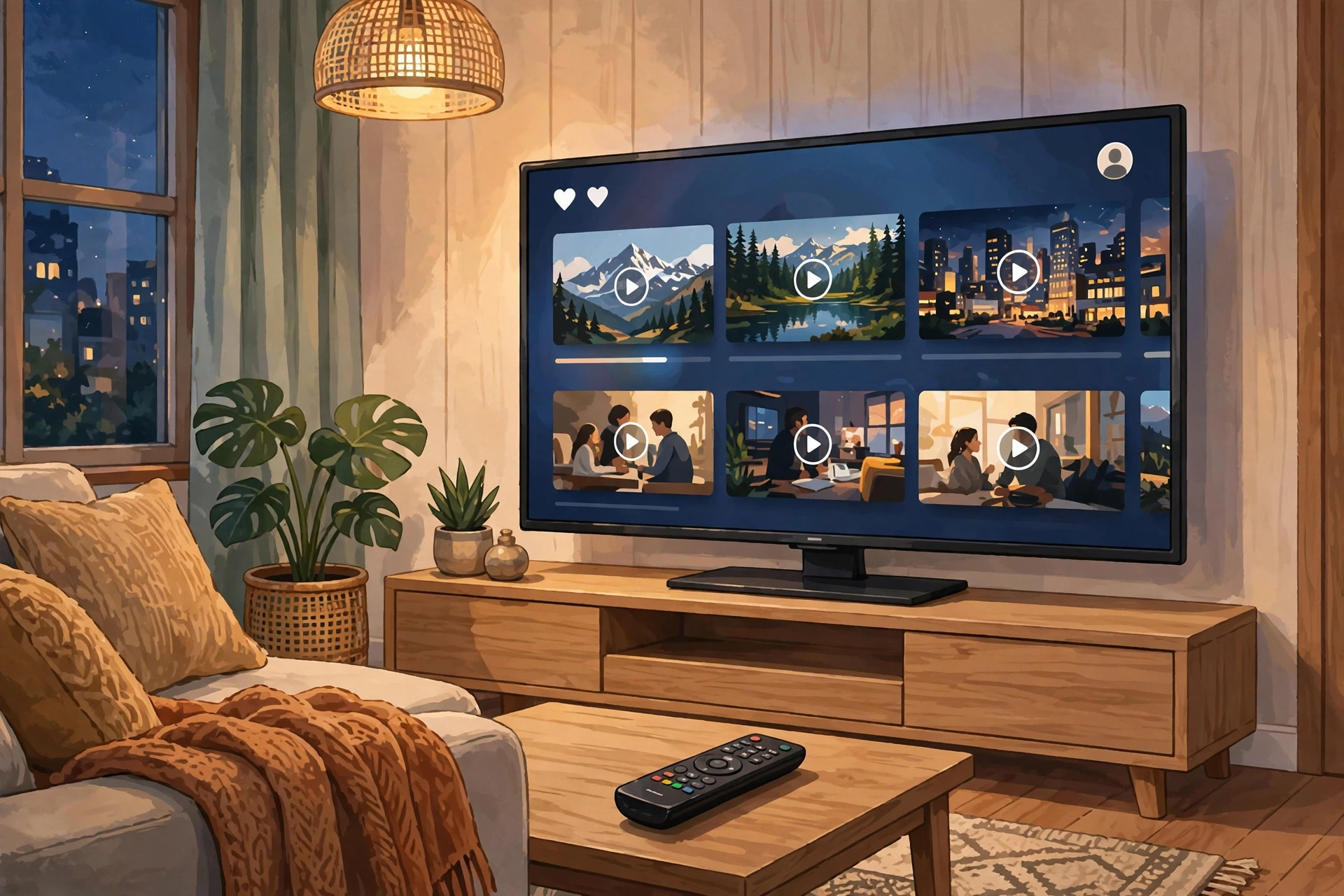
✓ Latest v32.56 ✓ Free & Open Source
If YouTube ads on your TV are driving you insane, I’ve got good news: the SmartTube APK is the easiest way to watch YouTube on a Firestick or Android TV without sitting through a single ad. You know the pain — unskippable ads every few minutes on the big screen. SmartTube replaces the official YouTube TV app with a fast, free, open-source alternative that just… doesn’t have them. This guide covers the real download, what it actually does, and how to install it safely.
| App Name | SmartTube |
| Package Name | com.liskovsoft.smarttubetv |
| Developer | Yuriy L (open-source, MIT) |
| Category | Entertainment |
| Version | v32.56 |
| Size | 22.7 MB |
| License | Free & Open Source |
| Requires Android | 4.3 and above |
| Last Updated | September 2026 |
What Is SmartTube APK?
So what is it, exactly? SmartTube APK is an unofficial, community-built YouTube client made for big screens — Android TV boxes, Nvidia Shield, Chromecast with Google TV, Amazon Firesticks. It’s completely free and open source, published by its developer on GitHub, and it exists for one reason: the official YouTube TV app is drowning in ads. SmartTube gives you the full YouTube catalogue — subscriptions, playlists, search, recommendations — with every ad stripped out.
Why Sideload SmartTube on Firestick?
The Firestick runs a version of Android, so it can install apps from outside Amazon’s store — and thank goodness, because YouTube on Firestick is especially ad-heavy: unskippable pre-rolls, mid-roll interruptions, home-screen banners, the works. SmartTube for Firestick became the go-to fix because it’s actually built for the remote-control experience — big readable menus, voice search, smooth 4K playback, all with zero ads.
One honest limitation, though: newer Fire Sticks running Amazon’s VegaOS (models released after October 2025) are not supported, because VegaOS drops Android compatibility entirely. If your stick runs Fire OS, you’re fine — check under Settings > My Fire TV > About. Fire OS 5 through 8 all work with SmartTube.
Key Features of SmartTube
Completely Ad-Free Watching
No pre-rolls, no mid-roll interruptions, no home-screen banners, no sponsored overlays — videos just start and play. If you watch hours of YouTube on TV every week, this alone saves you a ridiculous amount of time and frustration.
SponsorBlock Built In
It gets better: SmartTube skips in-video sponsor segments automatically using the community-powered SponsorBlock database. Intros, “smash that subscribe button” reminders, paid promotions — jumped over, with adjustable aggressiveness if you want control.
Background Playback on TV
Keep audio playing while you browse other apps or with the screen off — perfect for podcasts and music. The official TV app locks this behind a subscription. SmartTube just includes it, free.
Up to 8K and HDR Playback
Up to 8K with HDR where your device supports it, plus manual quality selection per video — or cap the default resolution to save bandwidth. Your call.
Works Without Google Play Services
The app doesn’t depend on Google Play Services at all, which is exactly why it runs so well on Firesticks and de-Googled TV boxes. Sign-in is optional: browse anonymously, or connect a Google account for your subscriptions.
Dislike Counts and Extra Tweaks
Dislike counts are back too — SmartTube restores them via community data — plus genuinely useful extras: playback speed, a sleep timer, UI scaling for big TVs, and multiple player styles. The smarttube android tv apk build is tuned for remotes; there’s a separate build if you want it on a touch screen.
How to Install SmartTube on Firestick
- From the Firestick home screen, open the Amazon Appstore and install the free Downloader app by AFTVnews.
- Go to Settings > My Fire TV > Developer Options and enable Install unknown apps for Downloader. (On newer Fire OS, reveal Developer Options via Settings > My Fire TV > About — click the device name seven times.)
- Open Downloader and enter the official SmartTube download address from the developer’s site (smarttube.app) to fetch the latest APK.
- When the download finishes, tap Install, then Done. You can delete the APK file afterwards to save space.
- Find SmartTube in Your Apps & Channels and open it — no account needed to start watching.
Note: keep the Downloader app installed. You’ll need it again for SmartTube updates, since the app can’t update through the Amazon Appstore.
Pros and Cons
Pros: zero ads of any kind, free and open source, SponsorBlock skipping built in, background playback, 8K/HDR support, no Google account required, and it’s tiny — under 25 MB.
Cons: it’s not on any official store so you have to sideload, newer VegaOS Fire Sticks won’t run it, and YouTube backend changes occasionally break things for a day or two (usually fixed fast). Also, signing in with Google carries a small theoretical account risk, like any third-party client.
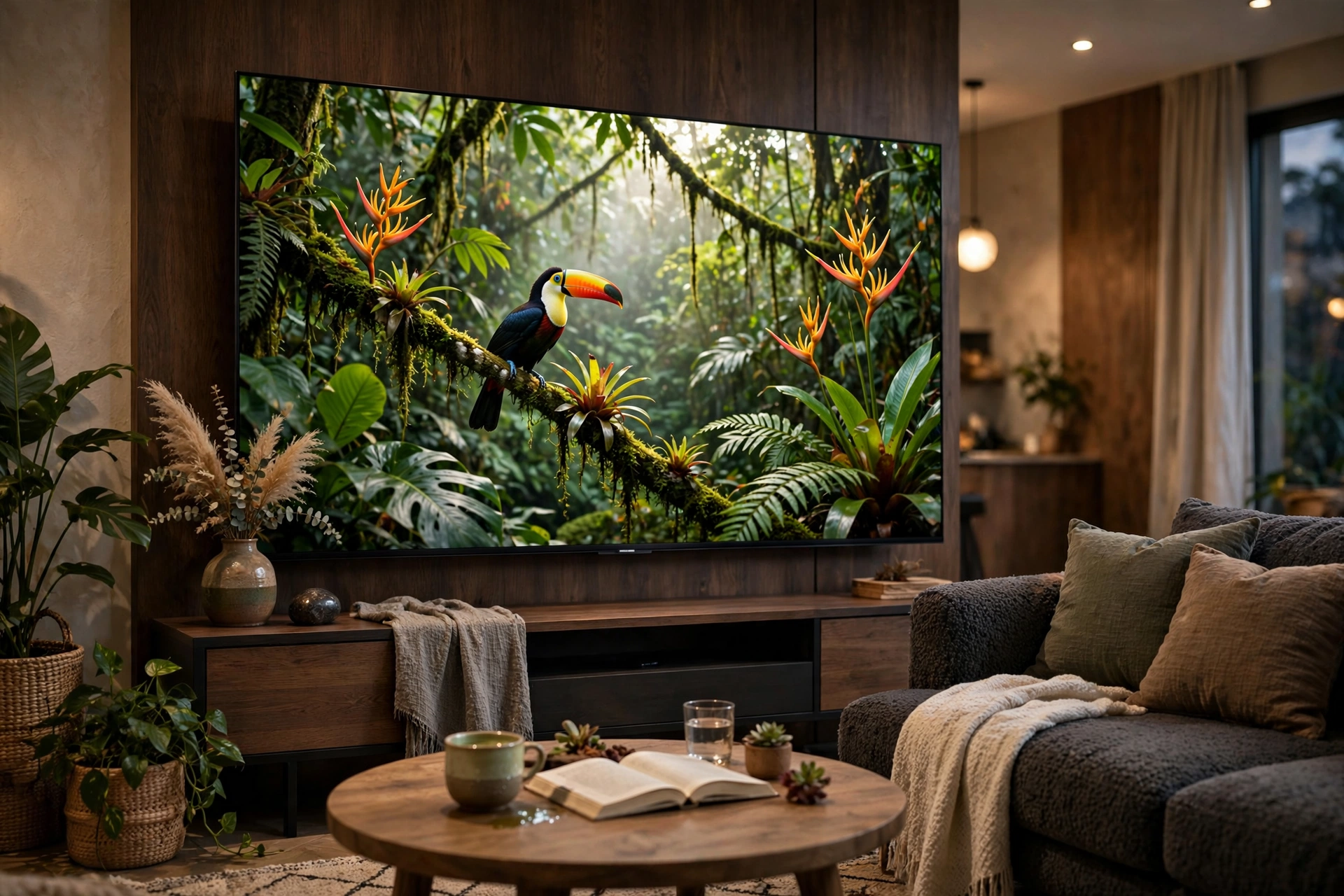
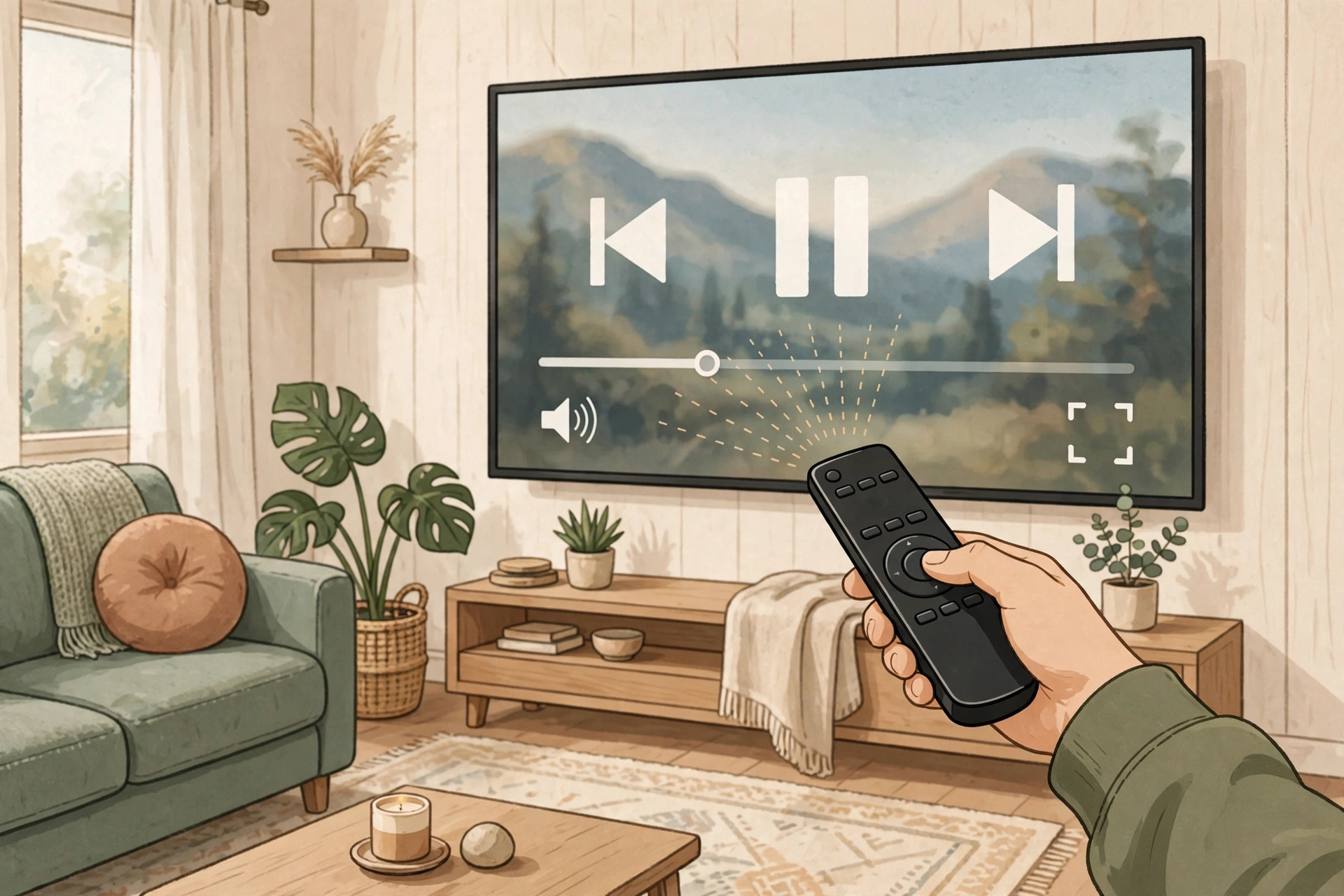
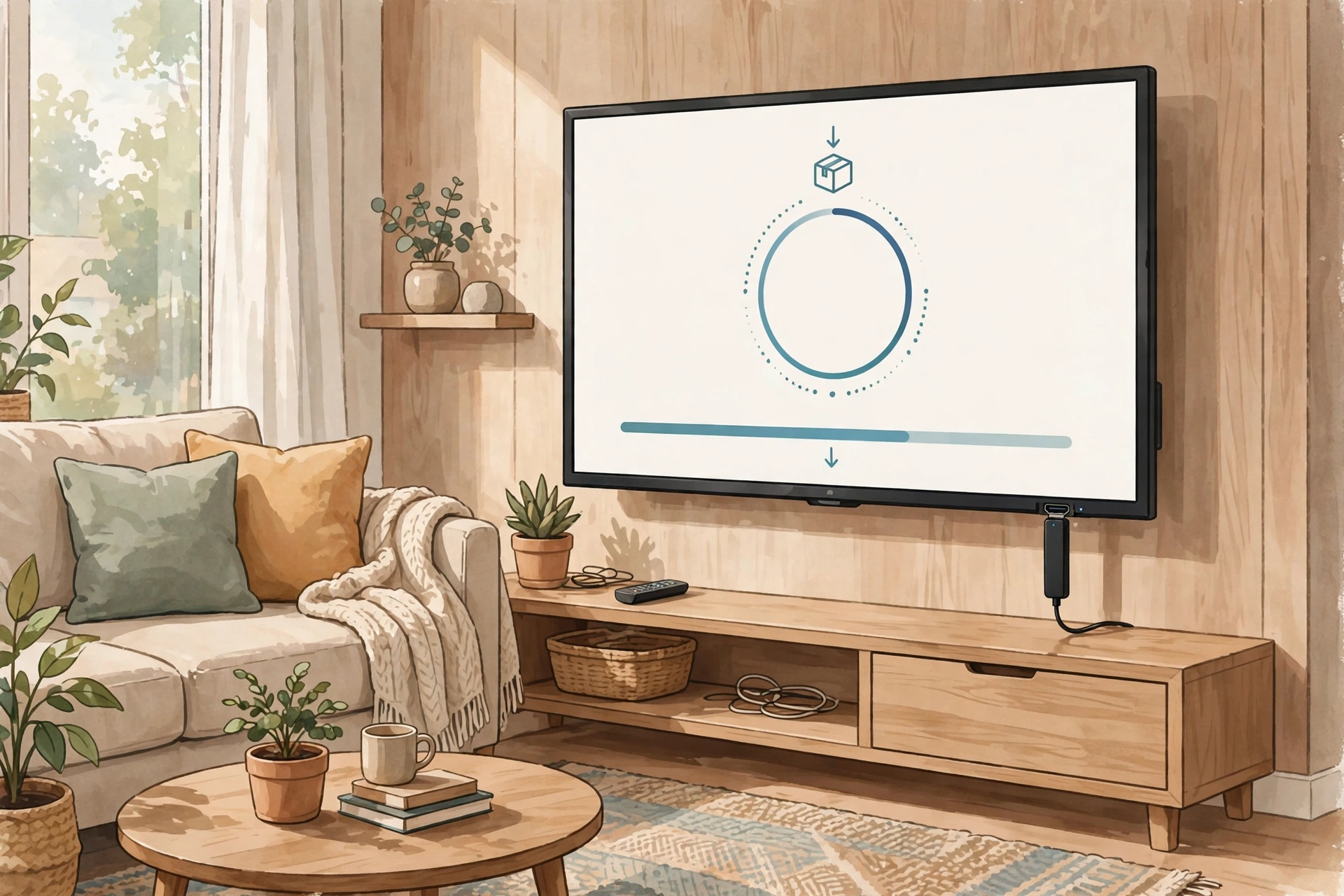
Screenshots

Safety Note
Here’s the reassuring part: SmartTube is open source with its code published publicly — anyone can inspect what it does. That’s a good transparency sign. Still, it’s installed outside the Play Store and Amazon Appstore, so the usual rules apply: download only from the developer’s official site or GitHub, never from random mirrors that might bundle modified files. We have not scanned or verified any APK file ourselves, so run your own antivirus check before installing — and consider a secondary Google account if you choose to sign in.
FAQs
Is SmartTube legal to use?
It’s legal, open-source software — a media player, and blocking ads in a third-party client isn’t a crime. It does violate YouTube’s terms of service, so Google could theoretically restrict signed-in accounts, though that’s extremely rare in practice. Staying signed out sidesteps even that.
Why isn’t SmartTube on the Play Store or Amazon Appstore?
Because an ad-free YouTube client is bad for Google’s and Amazon’s business, basically. Neither store will host it, so the developer distributes it from the official website instead — which is why sideloading is the only way to install it.
Will SmartTube work on my new Fire Stick?
Yes, if it runs Fire OS (the Android-based one). No, if it’s a newer model on Amazon’s VegaOS (after October 2025) — VegaOS can’t run Android apps at all. Check under Settings > My Fire TV > About to see which you’ve got.
Do I need to root my Firestick?
Nope. Sideloading just needs “Install unknown apps” switched on for Downloader. No root, and it’s fully reversible — just uninstall if you change your mind.
Can I sign in with my YouTube account?
You can — for subscriptions, history, and playlists. It’s totally optional, and plenty of people stay signed out for privacy. If you do sign in, stick to the official build and consider using a secondary account.
Final Words
Bottom line: if ads have ruined YouTube on your TV, SmartTube APK is the cleanest fix out there — free, open source, remote-friendly, and genuinely ad-free. Just grab the smarttube apk download from the official source, double-check your Firestick runs Fire OS and not VegaOS, and keep the Downloader app handy for updates. Hit the button below to get started.
✓ Latest v32.56 ✓ Free & Open Source
Related Posts
Setting up your streaming stick? Grab the VLC APK for Firestick for playing local media files, or the Stremio APK for Android TV as a streaming hub. You can also browse all our Entertainment apps for more TV-ready downloads.