Kodi APK for Firestick Download (Latest)
✓ Latest v21.3 ✓ Free & Open Source
The kodi apk for firestick is the easiest way to turn your Amazon Fire TV Stick into a full home-theater media center. Kodi is the legendary free, open-source media player from the Kodi Foundation — and since Amazon’s Appstore doesn’t always carry the latest official build, sideloading the kodi firestick apk directly is how most cord-cutters install it. With its remote-friendly 10-foot interface, Kodi organizes your movies, shows, music, and photos into one beautiful library — and its add-on ecosystem adds streaming, PVR, and much more. This guide covers everything you need.
| App Name | Kodi |
| Package Name | org.xbmc.kodi |
| Publisher | Kodi Foundation (XBMC) |
| Category | Video Players & Editors |
| Version | v21.3 |
| Size | 64.69 MB |
| APK Info | Official Build — Free, Open Source, No Ads |
| Requires Android | 7.0 and above |
| Last Updated | December 2025 |
What Is Kodi APK for Firestick?
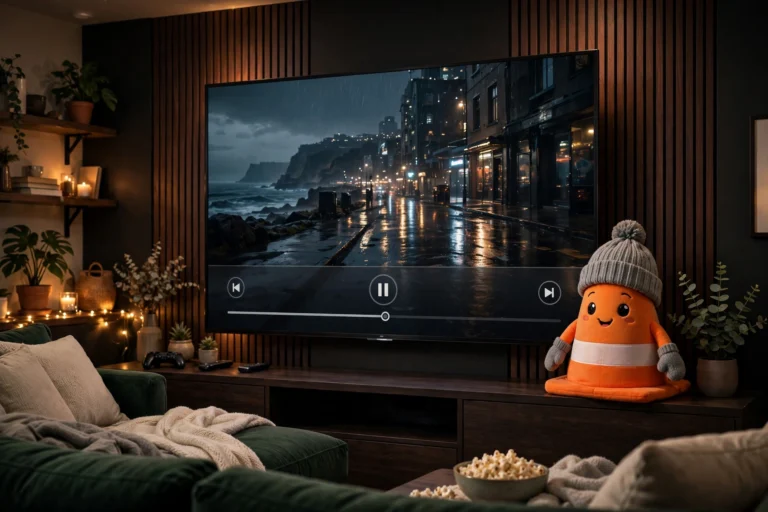
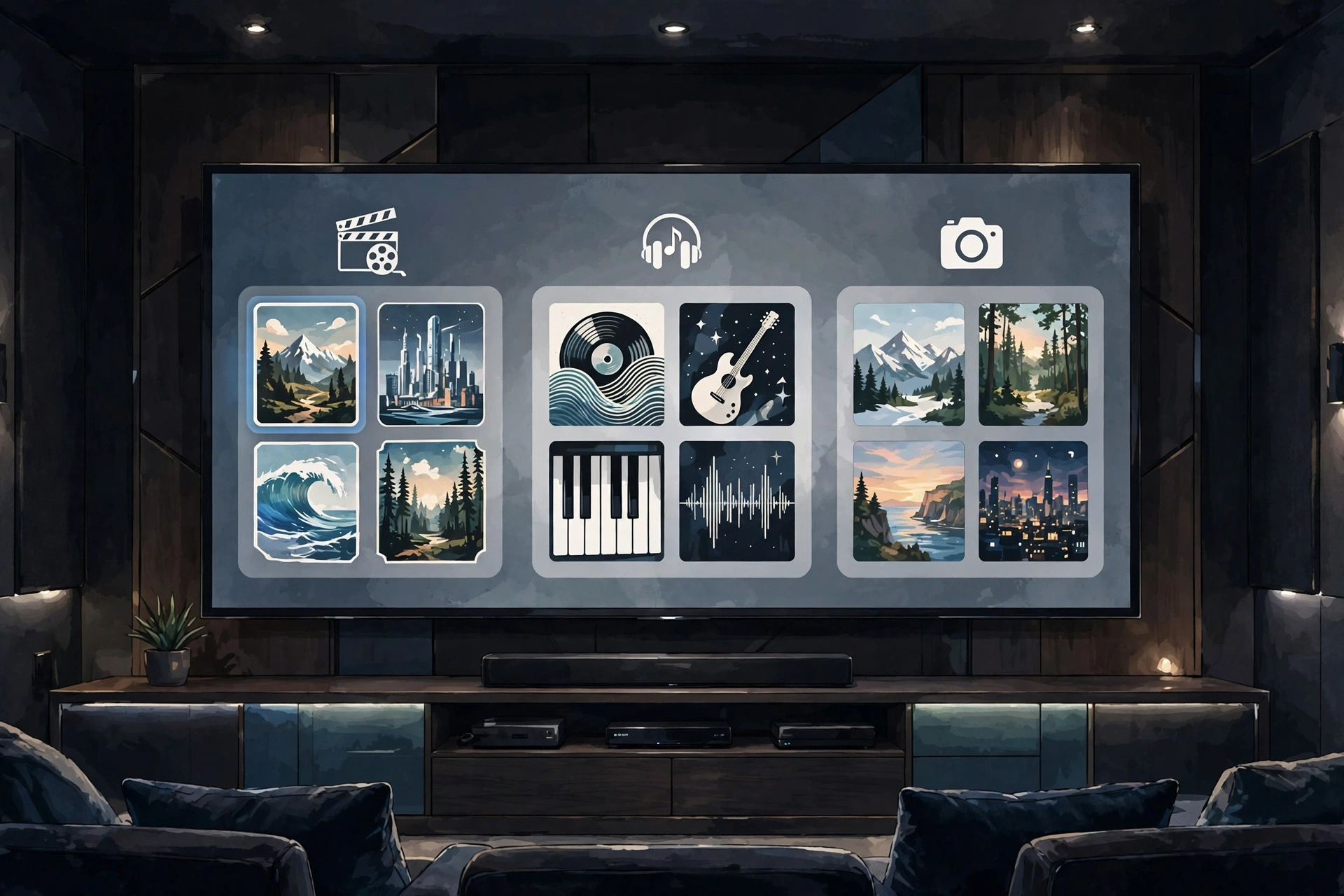
So what exactly is it? Kodi for Firestick is the Android build of Kodi, packaged for sideloading onto Amazon Fire TV devices. Kodi started life as XBMC — the Xbox Media Center — and grew into the most popular open-source media center on the planet, maintained by the non-profit Kodi Foundation. It ships with the Estuary skin: a clean interface designed for the “10-foot experience” — big readable menus you navigate with a remote from your couch, not a touchscreen.
Here’s the key thing people misunderstand: unlike Netflix-style apps, Kodi ships with zero bundled content. It’s a player and an organizer. Point it at your own movie collection, music library, photo folders, or network storage, and it builds a gorgeous browsable library with posters, fan art, and episode guides. Add-ons from the official Kodi repository then extend it — YouTube, subtitle services, weather, PVR clients — all free and legal.
Why Install Kodi on Firestick?
The Fire TV Stick is cheap, portable, and runs Fire OS — which is Android under the hood — so it handles the kodi for firestick APK perfectly. Amazon’s stock player can’t organize a personal library, play files from your home NAS, or do live TV through a PVR backend. Kodi fills all of those gaps in a single app.
Got a Plex or Jellyfin server? A USB drive full of movies? An HDHomeRun tuner? With Kodi, every screen in the house runs the same familiar interface. And it’s completely free — no ads, no accounts, no subscriptions, which is honestly a rarity on the Fire TV platform. Setup takes about five minutes.
Key Features of Kodi on Firestick
True 10-Foot TV Interface
Kodi was designed for televisions, not phones, and you feel it immediately. Menus are large and readable from across the room, and every screen works with the simple Fire TV remote — up, down, left, right, select, back. And if you don’t love the default look, dozens of alternative skins restyle the whole experience.
One Library for All Your Media
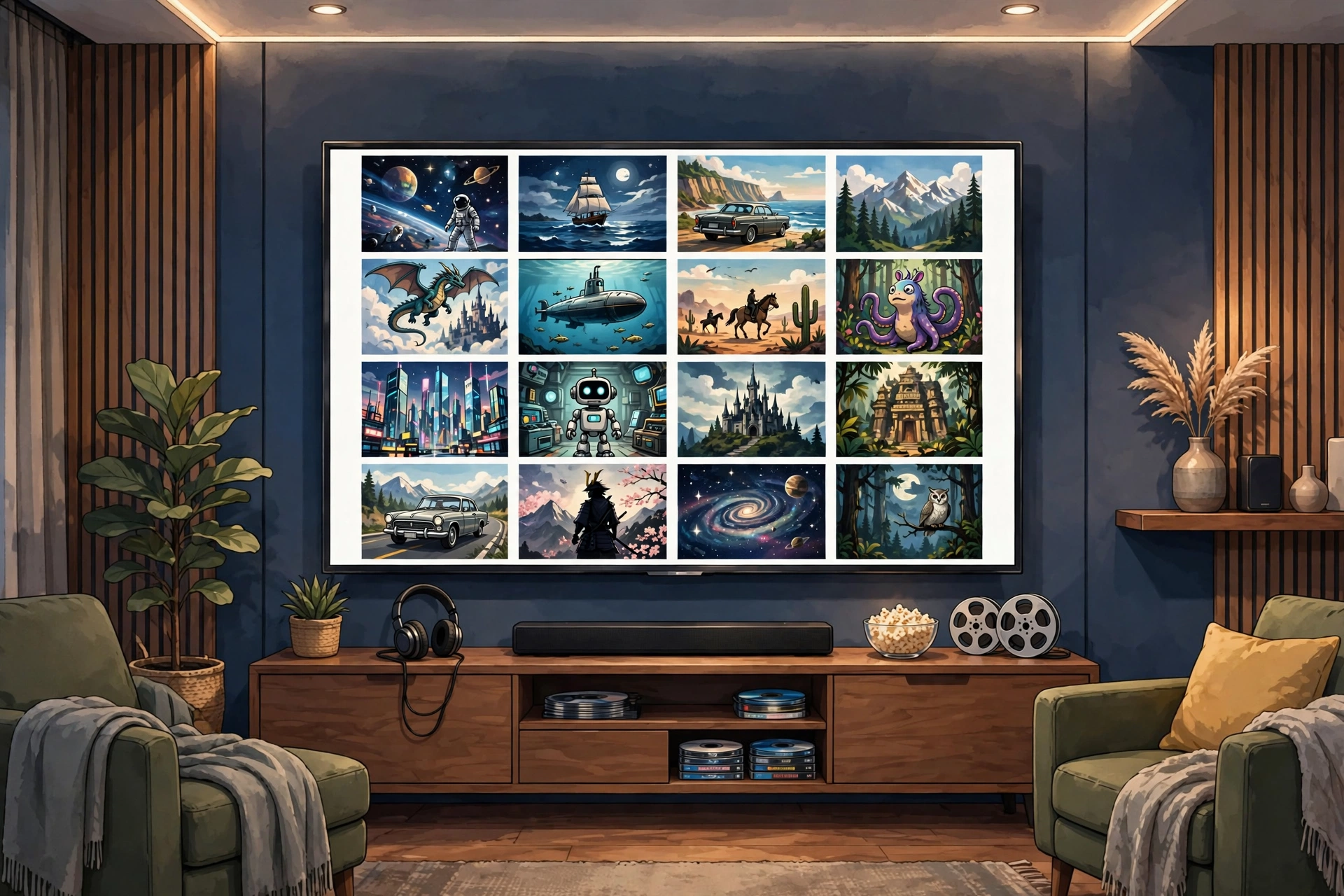
Movies, TV shows, music, podcasts, photos — everything lives in one place. Add a folder and Kodi’s scrapers automatically fetch posters, cast info, plot summaries, and ratings, turning a messy drive of files into a library that rivals any streaming service. It’s genuinely satisfying to watch it build.
Official Add-On Ecosystem
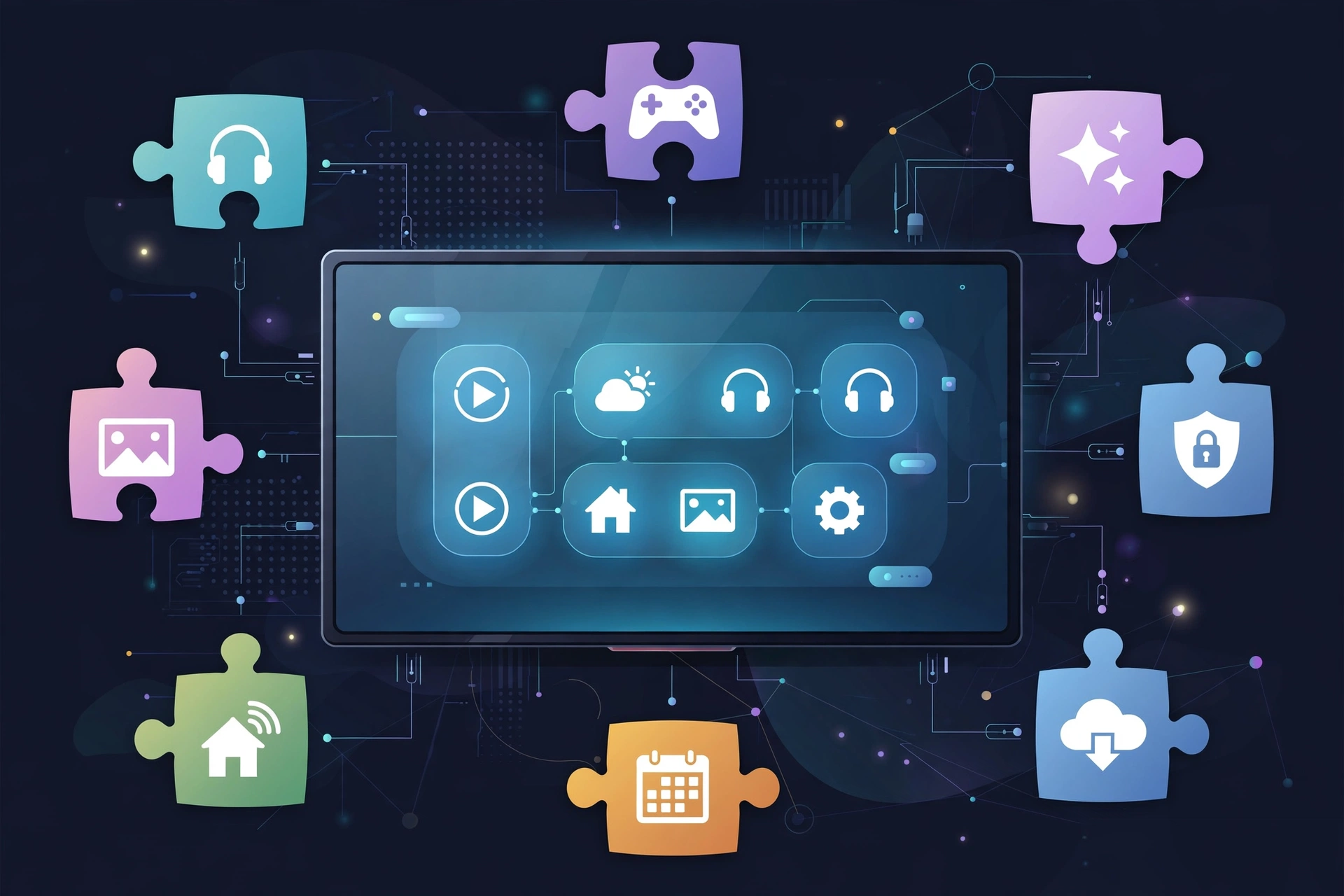
The built-in add-on browser connects to Kodi’s official repository: hundreds of vetted add-ons — YouTube, Twitch, subtitle downloaders, weather, lyrics, screensavers, PVR clients. Just steer clear of sketchy “fully loaded” third-party add-ons. More on why in the safety section below.
PVR and Live TV Support
Kodi doubles as a live-TV front end, which surprises a lot of people. Pair it with a PVR backend like Tvheadend, NextPVR, or an HDHomeRun tuner and you get a full electronic program guide, scheduled recordings, and timeshifting — all controllable with your Fire TV remote.
Plays Almost Any Format
Built-in codecs handle MKV, MP4, AVI, HEVC, FLAC, and dozens more — no extra downloads. SMB, NFS, DLNA/UPnP, and HTTP streams all work out of the box, whether your media lives on a NAS or a shared PC folder. If it plays anywhere, it plays in Kodi.
Deep Customisation
Skins, family profiles, parental controls, custom keymaps — Kodi is endlessly tweakable. You’ll still be discovering settings months in.
How to Install Kodi on Firestick
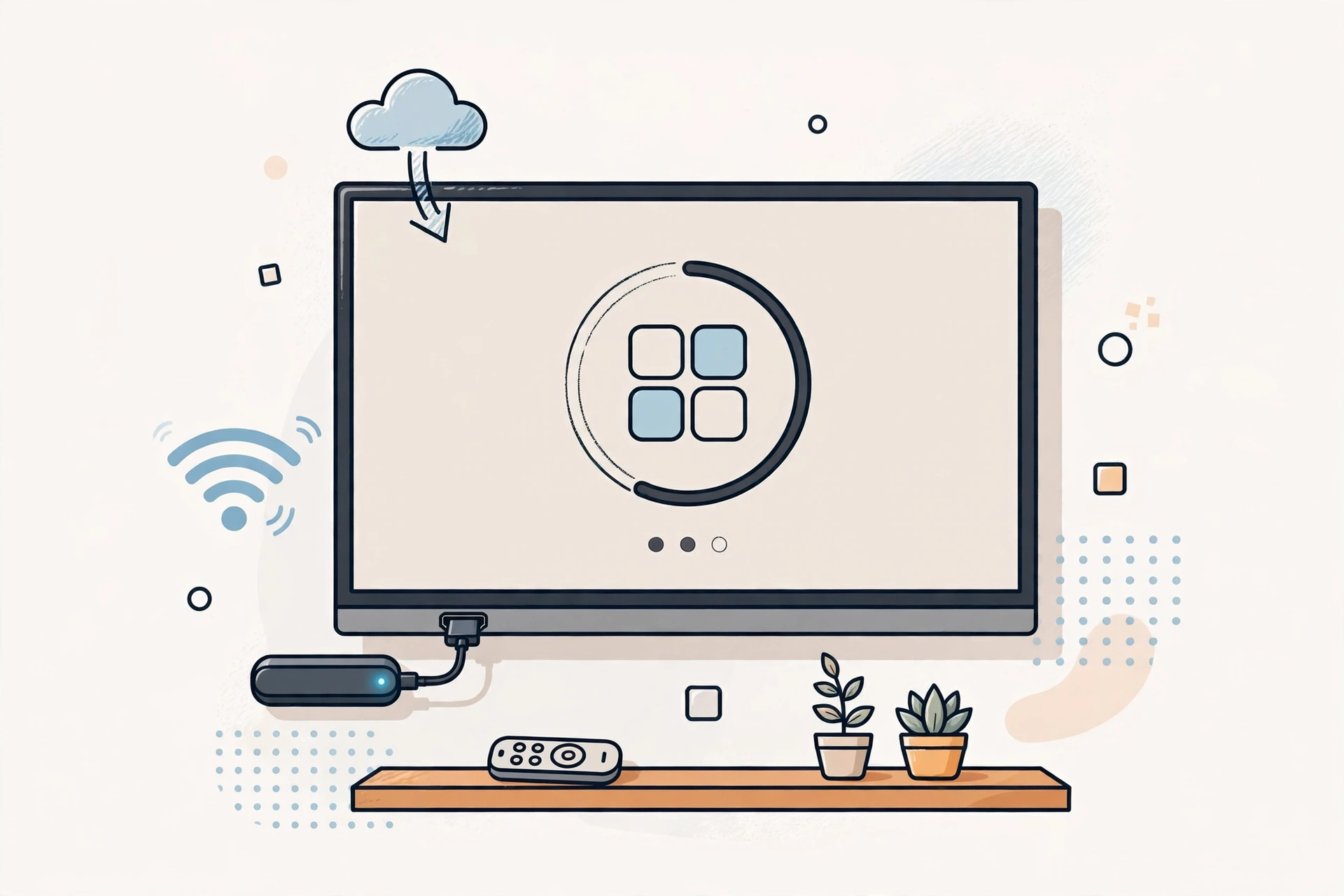
- On your Firestick, go to Settings > My Fire TV > Developer Options and turn on Apps from Unknown Sources. (On newer Fire OS versions, you can just enable it when the Downloader app prompts you.)
- Install the free Downloader app from the Amazon Appstore and open it.
- In Downloader’s URL bar, enter the official Kodi Android download page address (kodi.tv/download) and go.
- Choose the ARMV7A (32-bit) APK for Android — that’s the build Fire TV Sticks use. Don’t grab the 64-bit one by mistake.
- Once the APK downloads, select Install, then Done.
- Find Kodi in Your Apps & Channels, launch it, and allow storage access so it can scan your media.
Tip: the first launch takes a minute while Kodi sets up its folders. Totally normal — grab a coffee.
Pros and Cons
Pros: 100% free and open source, a remote-friendly TV interface, a massive official add-on library, plays virtually any format, no ads, no accounts, no tracking, and an active community shipping constant updates.
Cons: you must sideload it on Firestick, the initial library setup takes some time, third-party piracy add-ons are a security and legal risk (avoid them), and large 4K libraries can fill the Stick’s small storage.
Screenshots
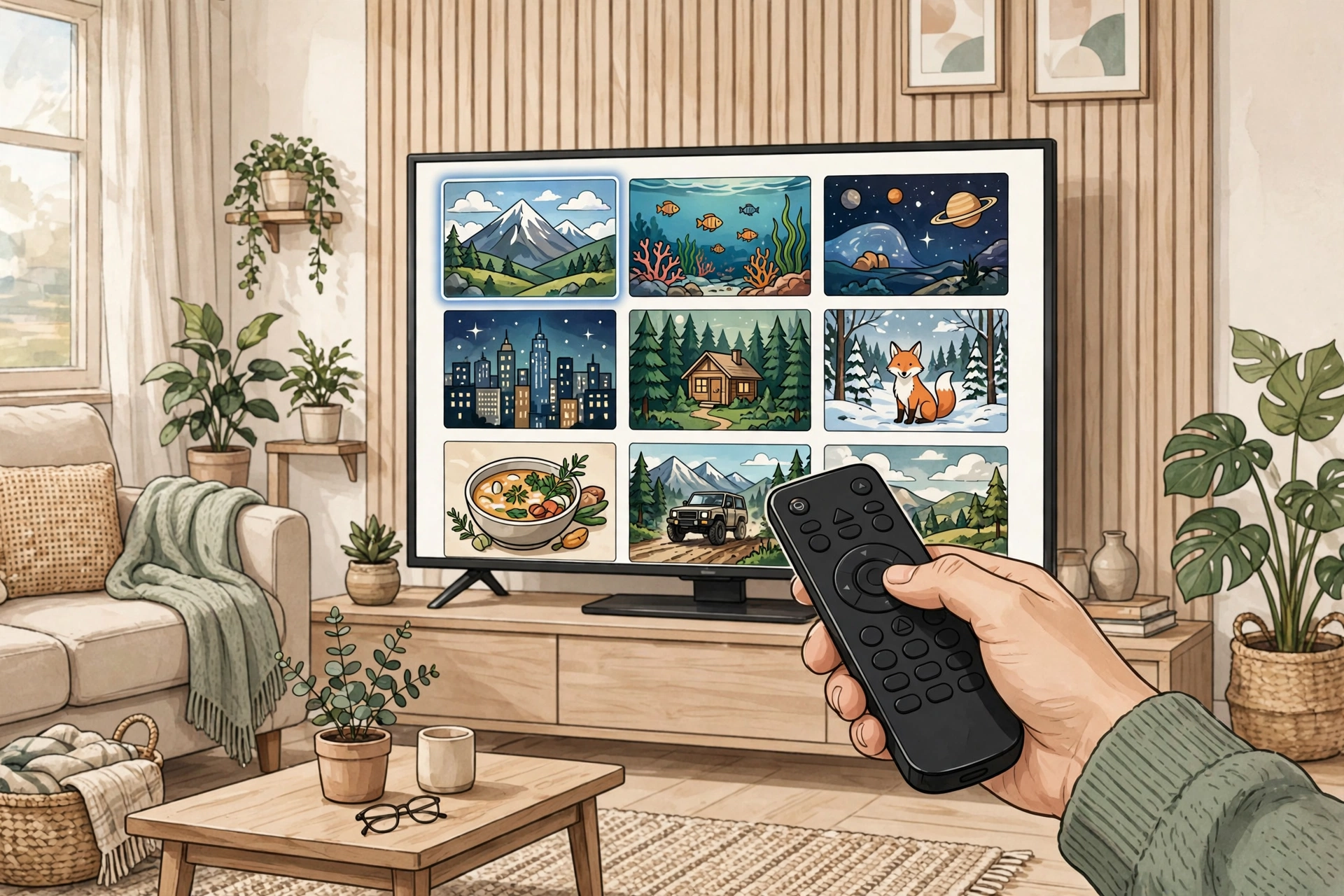
Safety Note
Kodi itself is safe — it’s open-source software from a registered non-profit, and the code is publicly audited. However, we have not scanned or verified any APK file ourselves: always download from the official kodi.tv site and run your own antivirus check. The real danger is unofficial “fully loaded” builds and third-party piracy add-ons, which are a classic malware vector. Stick to the official build and the official add-on repository and you’ll be fine.
FAQs
Is kodi apk for firestick free?
Yes. Kodi is released under the GPLv2+ open-source license — free forever. No premium tier, no ads, no in-app purchases. Ever.
Is Kodi legal to use?
The Kodi application itself is completely legal. Only streaming pirated content through unofficial third-party add-ons crosses the line — avoid those, use the official repository, and you’re on solid ground.
Which Fire TV models does it work on?
Any Fire TV Stick or Fire TV Cube running Fire OS 7 or newer works well — that covers the Fire TV Stick 4K, 4K Max, and Lite. The APK needs Android 7.0+, and older 5.0+ variants exist for ancient devices.
Do I need root to install it?
No. Sideloading on Fire TV only needs “Apps from Unknown Sources” enabled. No rooting, no warranty issues.
Will Kodi slow down my Firestick?
Kodi is lightweight on its own. If your library is huge, keep media on a NAS or USB drive instead of the Stick’s internal storage, and clear the thumbnail cache occasionally to keep things snappy.
Final Words
Kodi remains the best free media center for a Fire TV Stick — a polished TV interface, endless official add-ons, and playback for almost any file you throw at it. Download kodi apk for firestick from the official source, follow the steps above, and your Firestick becomes a true home-theater hub in minutes.
✓ Latest v21.3 ✓ Free & Open Source
Related Posts
If you like Kodi, check out MX Player APK for Firestick and Stremio APK for Android TV for more big-screen options. You can also browse our full Video Players & Editors category for more apps.