TiviMate APK Download for Firestick & Android TV
✓ Latest v5.3.3 ✓ Free Download
If you’ve got a Firestick or an Android TV box, the TiviMate APK is hands down the best IPTV player you can put on it. One important thing upfront: it ships with zero channels or streams — it’s a player, nothing more. But give it your own M3U, Xtream Codes, or Stalker playlist, and it turns into this fast, cable-box-style experience with a proper TV guide, favorites, and even recording.
| App Name | TiviMate – IPTV Player |
| Package Name | ar.tvplayer.tv |
| Publisher | Armobsoft FZE |
| Category | Video Players & Editors |
| Version | v5.3.3 |
| Size | 10.20 MB |
| Requires Android | 6.0 and above (Android TV) |
| Last Updated | June 2026 |
What Is TiviMate APK?
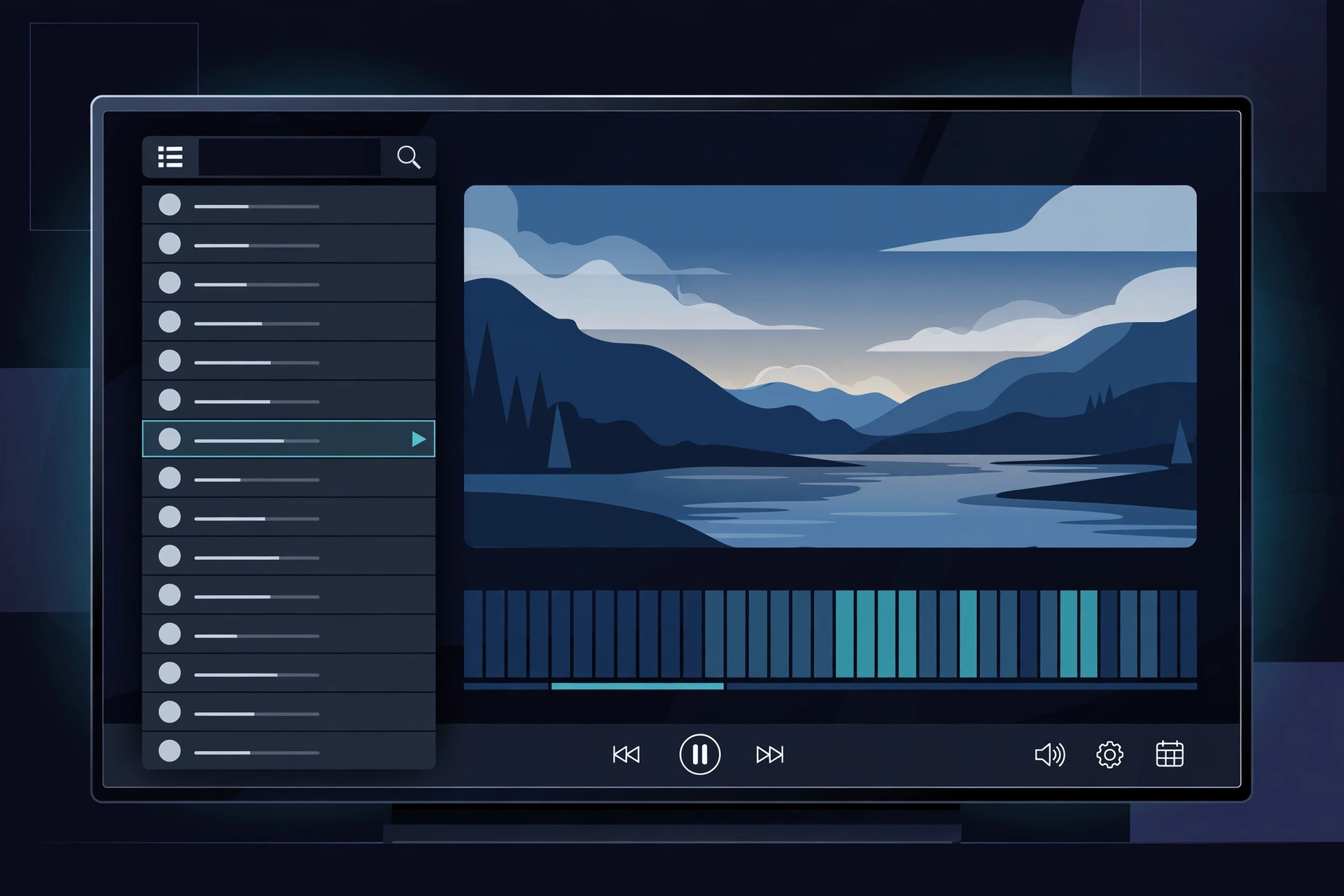
TiviMate is an IPTV player built from the ground up for televisions — and you can tell. Most media apps start life on phones and get awkwardly ported to TV, with tiny buttons and touch gestures that make zero sense with a remote in your hand. TiviMate went the opposite direction: every screen was designed for the ten-foot interface. Install it, punch in a playlist you own, and you’ve got a full program guide within minutes.
Worth repeating because people ask constantly: TiviMate comes with no content. No channels, no movies, no streams — just a really good engine for displaying whatever you point it at. It speaks the three formats the IPTV world runs on — M3U playlists, Xtream Codes API logins, and Stalker portals — plus the guide data that turns a raw channel list into something you can actually browse. The free version covers the basics; a paid premium unlock adds recording and multiple playlists.
Why Install TiviMate on Android TV?
Here’s the thing: Android TV and Firestick devices come with plenty of video players, but almost none are built for live television. A generic player can open a stream, sure — but it can’t show you what’s on right now, and it can’t let you flip channels with the remote like a proper set-top box. That’s the gap TiviMate fills. Its guide grid, the zapping speed, the remote-first design — suddenly your Firestick feels like a real cable box.
Then there’s performance. The whole app is barely over 10 MB — tiny — and channel switching feels nearly instant because the guide data is cached smartly. On a Firestick, where memory is tight, that really shows: menus stay smooth, the guide populates fast, and playback starts without those long buffering pauses. Honestly, if your setup feels sluggish, switching players often helps more than buying new hardware.
Key Features of TiviMate
Full TV Guide (EPG) Grid
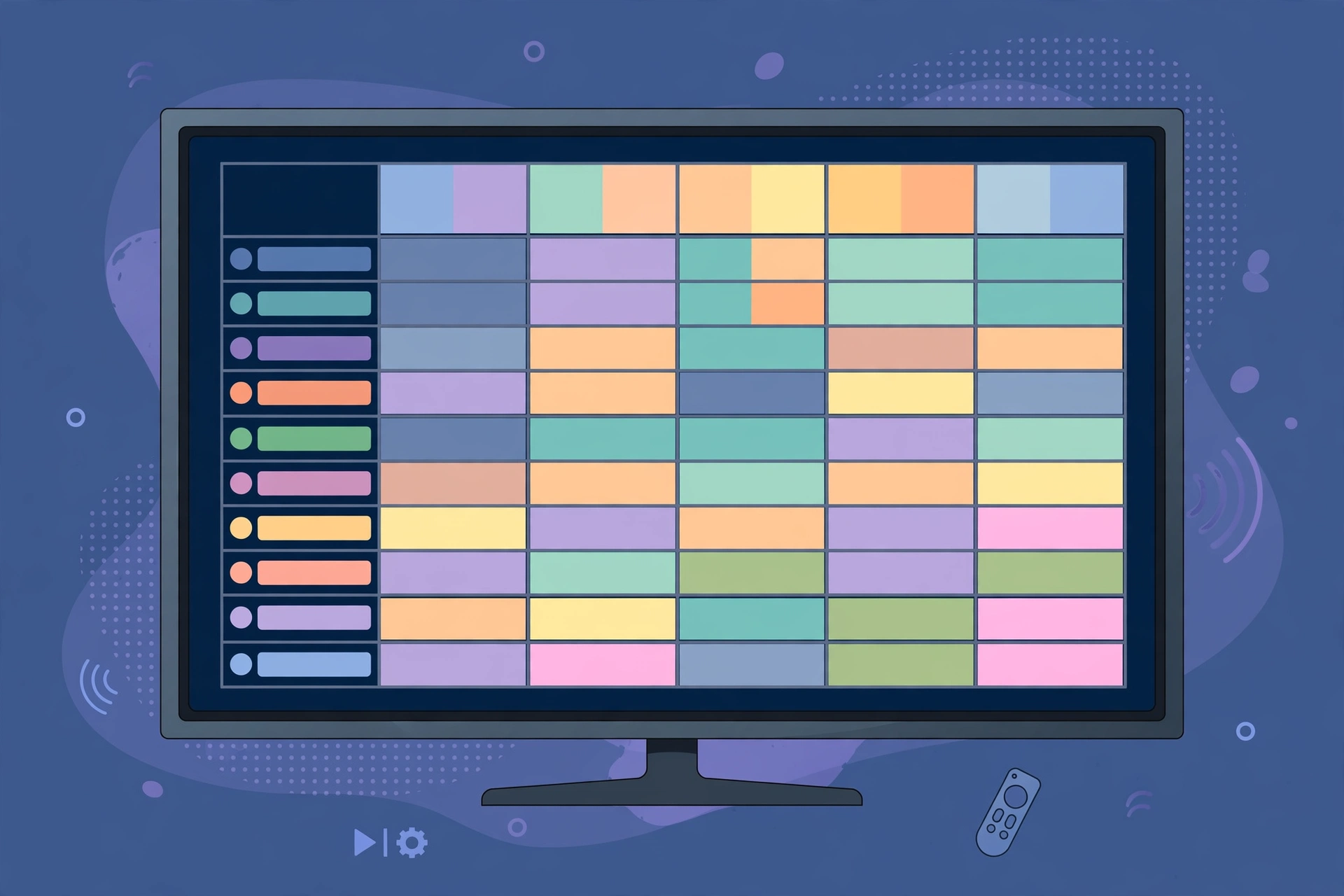
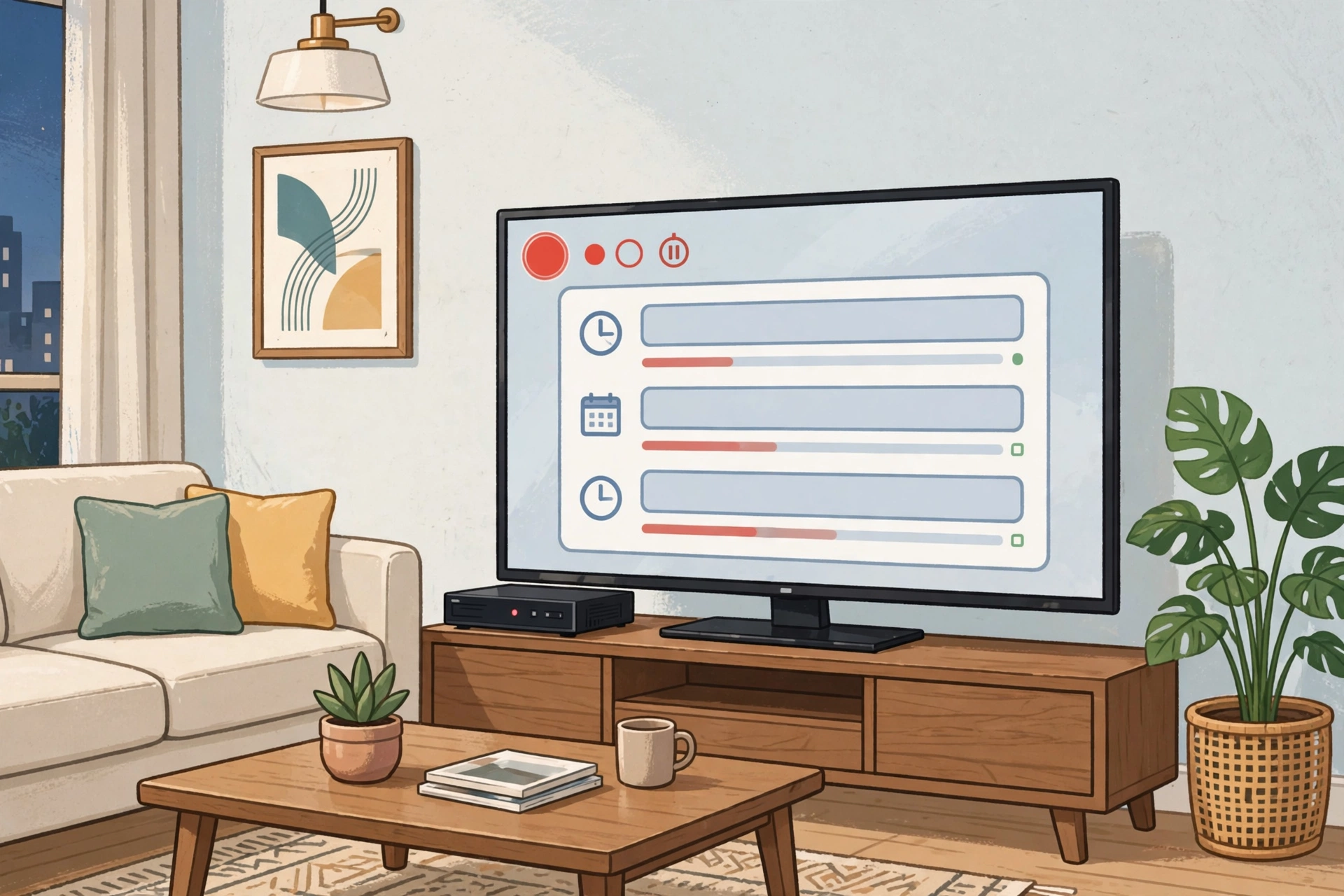
The electronic program guide is TiviMate’s signature — and probably why you’re here. Channels line up on the left, time stretches across the top, and every program is clickable with descriptions and progress bars. Scroll hours ahead, set reminders, jump into anything airing now. With decent guide data from your provider, it genuinely rivals paid cable interfaces. I’ve seen people shocked at how good it looks.
Multiple Playlists and Favorites
You’re not locked into a single source. Load several playlists side by side — an M3U list here, an Xtream Codes login there — and hop between them without reconfiguring anything. Favorites work across all of them, and channel groups can be renamed, hidden, or reordered to match how you actually watch.
Catch-Up and Recording
Missed the match? If your provider supports catch-up, it’s built right into the guide — scroll back in time and play what aired earlier. Scheduled and manual recording are included too: plug some storage or a USB drive into your TV box and record live programs for later. It’s the feature that sells the premium unlock for most people.
Multiview
Sports fans, this one’s for you: multiview shows up to four channels at once on a split screen. Watch two matches at the same time, or keep the news on while a game plays. You pick which screen gets the audio and swap layouts on the fly — all with the remote.
Remote-Friendly Navigation
Every interaction assumes you’re holding a remote, not tapping glass. Directional keys glide through the guide, a long-press pops up quick options, and number keys jump straight to channels. No mouse cursor to wrestle with, no tiny touch targets. It’s the rare Android TV app that actually feels designed for the living room.
Parental Controls
Lock channels, groups, or even the settings menu behind a PIN. In a shared living room, you can keep unwanted channels out of reach while the rest of the guide stays open. Simple, and never in the way.
How to Install on Android TV/Firestick
- On your Firestick or Android TV, install the Downloader app.
- Enable Install Unknown Apps for Downloader — on Fire TV it’s under Settings > My Fire TV > Developer Options; on Android TV it’s Settings > Security.
- Open Downloader and enter the download link for the file from this page.
- When the download finishes, tap Install.
- Open TiviMate, choose Add Playlist, and enter your M3U URL, Xtream Codes login, or Stalker portal details.
- Let the guide data load, then shuffle your channels into favorites however you like.
- Optional: unlock premium through the companion app if you want recording and multiple playlists.
Note: TiviMate is a player, so you’ll need a playlist from your own provider before anything shows up on screen.
Pros and Cons
Pros: Best-in-class TV guide, honestly; very light and fast; handles M3U, Xtream, and Stalker; multiview, catch-up, and recording included; remote-first design that actually works.
Cons: No content included — you bring your own playlists; the full feature set needs a paid premium unlock; and it’s not in the Amazon Appstore, so sideloading is required.
Screenshots

Safety Note
TiviMate itself is a legitimate, widely used player — but we have not scanned or verified the file linked on this page, so run your own antivirus check before installing. The player is neutral tech: legality comes down to the playlists you add. Stick to streams you’re entitled to watch, and keep the app updated for the latest security fixes.
FAQs
Is TiviMate free to use?
The base player is free and covers single-playlist viewing with the full guide — plenty for most people. A paid premium unlock through the official companion app adds multiple playlists, recording, catch-up, and backup.
Does the TiviMate APK include channels?
No — it’s a player only and ships with no content at all. You add your own M3U, Xtream Codes, or Stalker playlists from your provider.
Does TiviMate work on Firestick?
Absolutely — Firestick is one of its most popular platforms. It’s not in the Amazon Appstore, so you’ll sideload it with the Downloader app. The remote navigation works beautifully once it’s on there.
Can I record live TV with TiviMate?
Yes, with the premium unlock. Hook up USB storage (or use the device’s internal storage), then schedule recordings straight from the guide or start them manually while watching.
Do I need a VPN to use TiviMate?
Nope — the player works fine with or without one. Plenty of IPTV users run a VPN for privacy, but that’s personal choice. TiviMate itself doesn’t require it.
Final Words
If you watch live TV on a Firestick or Android TV box, few upgrades beat a proper player. TiviMate turns a plain channel list into a fast, cable-like experience — real program guide, quick zapping, recording, multiview. Bring your own playlists, then download the TiviMate APK with the button below. You’ll be set up in minutes.
✓ Latest v5.3.3 ✓ Free Download
Related Posts
Pair it with more big-screen players: the SmartTube APK for ad-free streaming, or the Stremio APK for Android TV hub. For more, browse our Video Players & Editors category.