Firefox APK for Firestick Download (Browser)
✓ Latest v157.0 ✓ Free Download ✓ No Sign-Up Needed
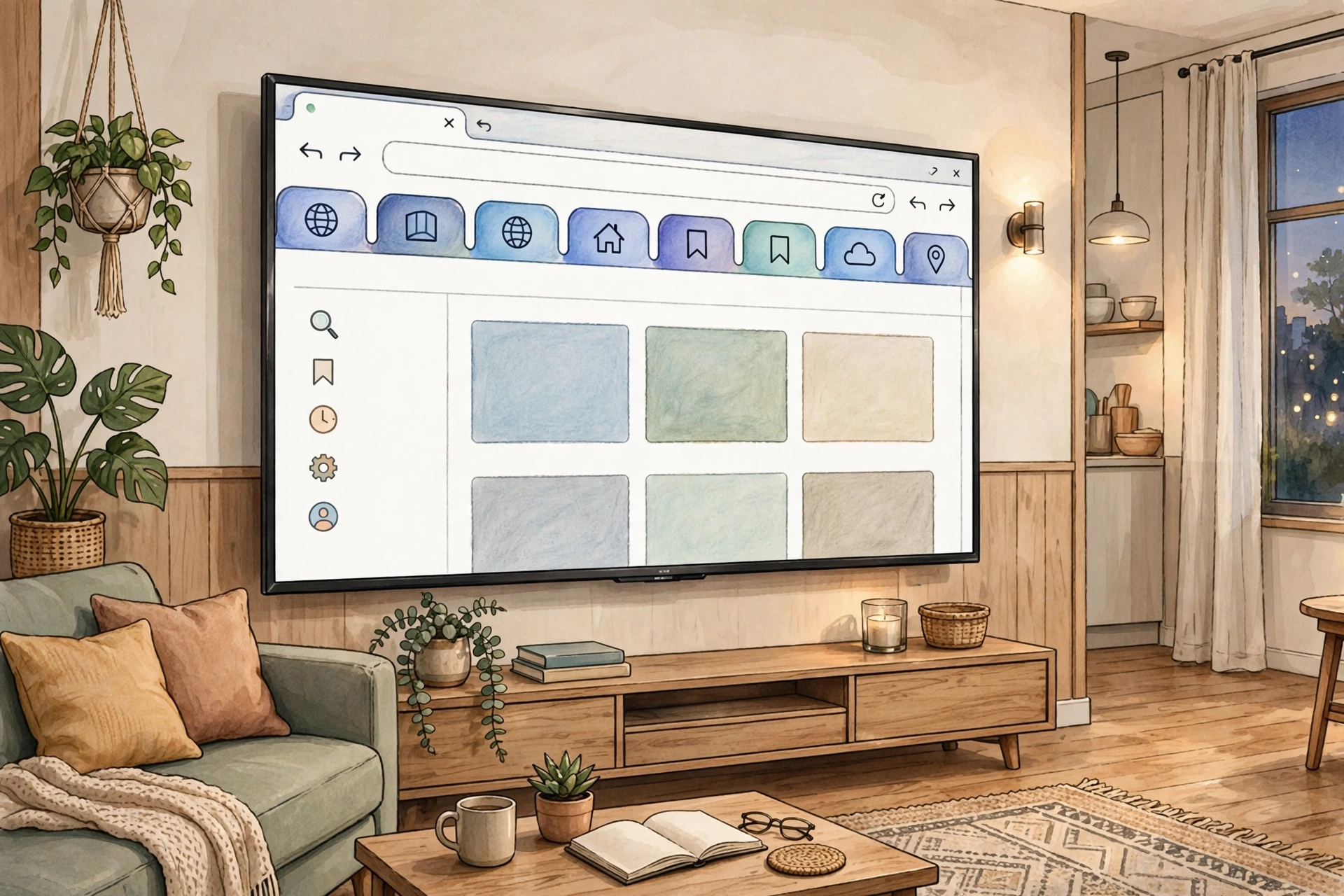
Want a real browser on your big screen? The firefox apk for firestick lets you sideload Mozilla’s famous browser onto your Fire TV stick — full web access, right on your television. Amazon’s built-in Silk browser is… fine, I guess. But most people have no idea a much better option exists. With this firefox firestick apk you get proper tabs, ad-blocking extensions, and private browsing on your TV, all free. This page covers the lot: what it is, why you’d want it, and how to get it running.
| App Name | Firefox Fast & Private Browser |
| Package Name | org.mozilla.firefox |
| Publisher | Mozilla |
| Category | Communication |
| Version | v157.0 |
| Size | 66.31 MB |
| Requires Android | 8.0 and above |
| Last Updated | September 2026 |
What Is Firefox APK for Firestick?
Firefox for Android is Mozilla’s open-source mobile browser, and the firefox apk for firestick is simply that same Android app running on a Fire TV device. Amazon doesn’t list Firefox in its Fire TV Appstore, so sideloading the APK is the only way in. The latest Fire TV Stick 4K Max handles the current v157.0 build without breaking a sweat — but older Firesticks on Fire OS 5 or 6 will want an older Firefox build instead.
Once it’s on there, it acts like a full browser adapted for Android: visit any website, stream videos that need a browser, log into services that never bothered making a TV app.
Why Install Firefox on Firestick?
Here’s the thing — the Silk browser that ships with Fire TV is pretty limited. No extensions, no sync, no modern privacy tools. Some websites flat-out refuse to load on it, and ad-heavy pages become genuinely unusable on a TV screen. Installing the firefox apk for firestick fixes all of that. uBlock Origin and other ad blockers work, and trust me, browsing on a television becomes dramatically more pleasant once the ads are gone.
It also fills the gaps in the Fire TV app library. Some streaming sites, web games, forums, and services simply have no Fire TV app — with a firefox for fire tv setup, those sites just open in a real browser. And if you already use Firefox on your phone or computer, your bookmarks, passwords, and history all sync over with a free Firefox account.
Key Features
Enhanced Tracking Protection
Firefox blocks third-party trackers, fingerprinting scripts, and cryptominers automatically. On a TV — where you can’t exactly inspect what a page is doing — that built-in protection matters even more. Bonus: pages load faster because dozens of trackers never get to run in the first place.
Extension Support with Ad Blockers
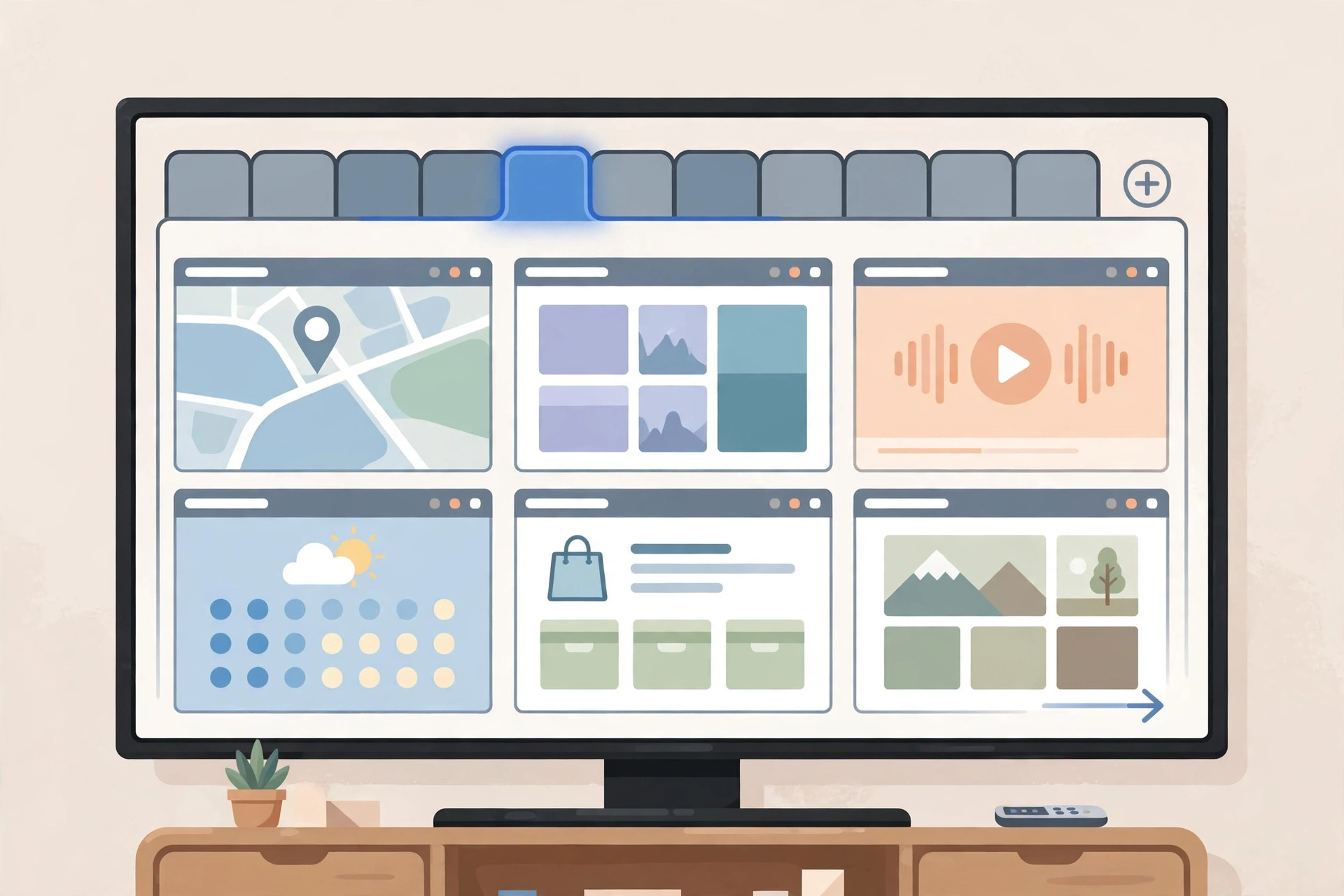
This is Firefox’s biggest edge over Silk on Fire TV. You can install uBlock Origin, Dark Reader, and other extensions straight from the browser’s add-ons menu. An ad blocker alone is transformative on a big screen, where dismissing pop-ups and banners with a remote is genuinely painful.
Private Browsing Mode
Private windows leave no history, cookies, or site data behind. On a shared family TV this is actually useful — log into an account, do what you need to do, close the window, and nothing’s saved. One tap from the menu, remote-friendly, done.
Tab Sync Across Devices
Sign in with a free Firefox account and your open tabs, bookmarks, and saved logins follow you around. Start reading an article on your phone, open the same tab on your Firestick — no typing a single URL. If you’re already in the Firefox ecosystem, the sync just works.
Reader View for Articles
Reader View strips a page down to clean text with adjustable fonts and a dark mode. Reading long articles from the couch has never been this comfortable.
Picture-in-Picture Video
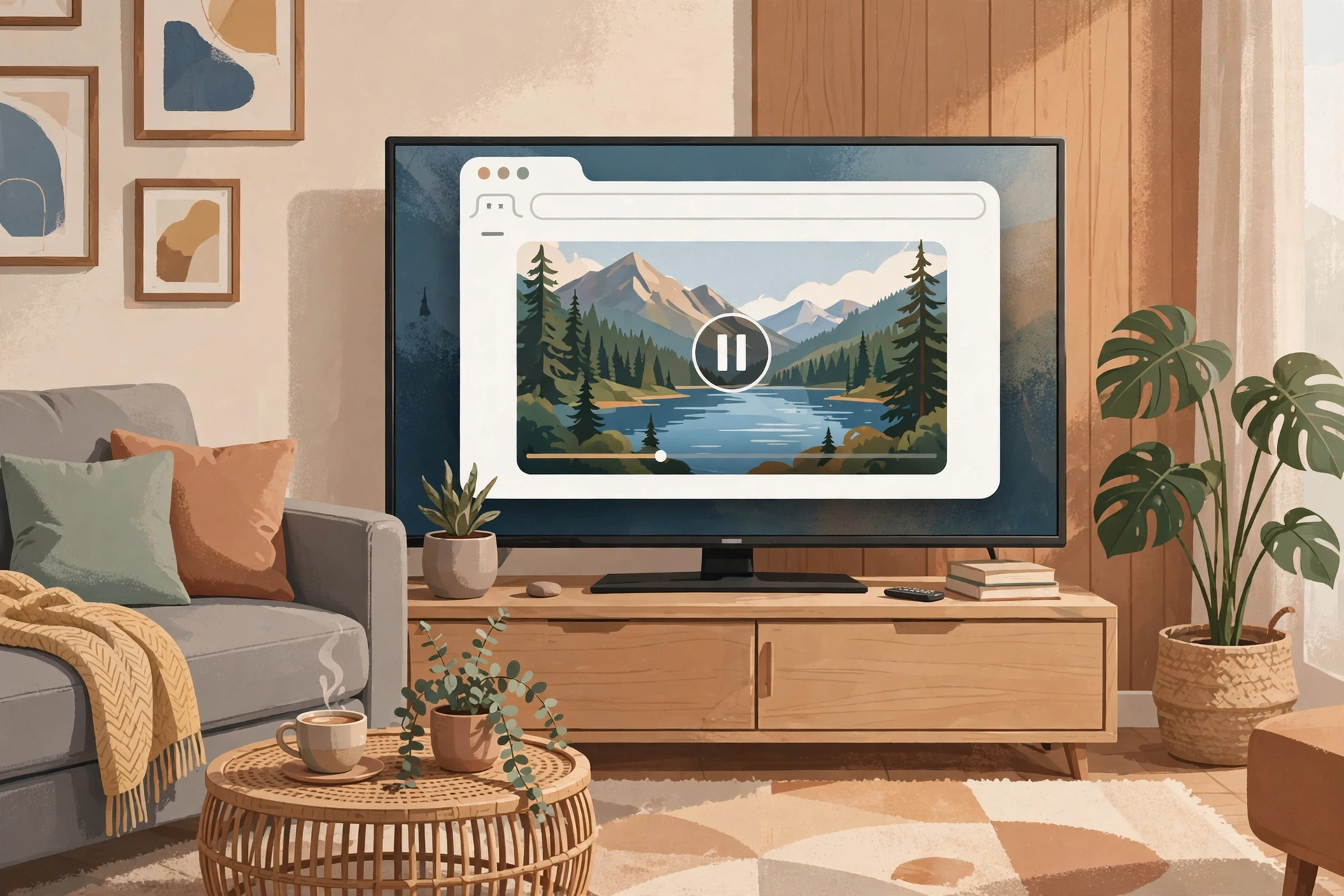
Firefox can pop supported web videos into a floating picture-in-picture window, so your video keeps playing while you browse other pages. Small thing, but you’ll miss it once you’ve had it.
How to Install on Firestick
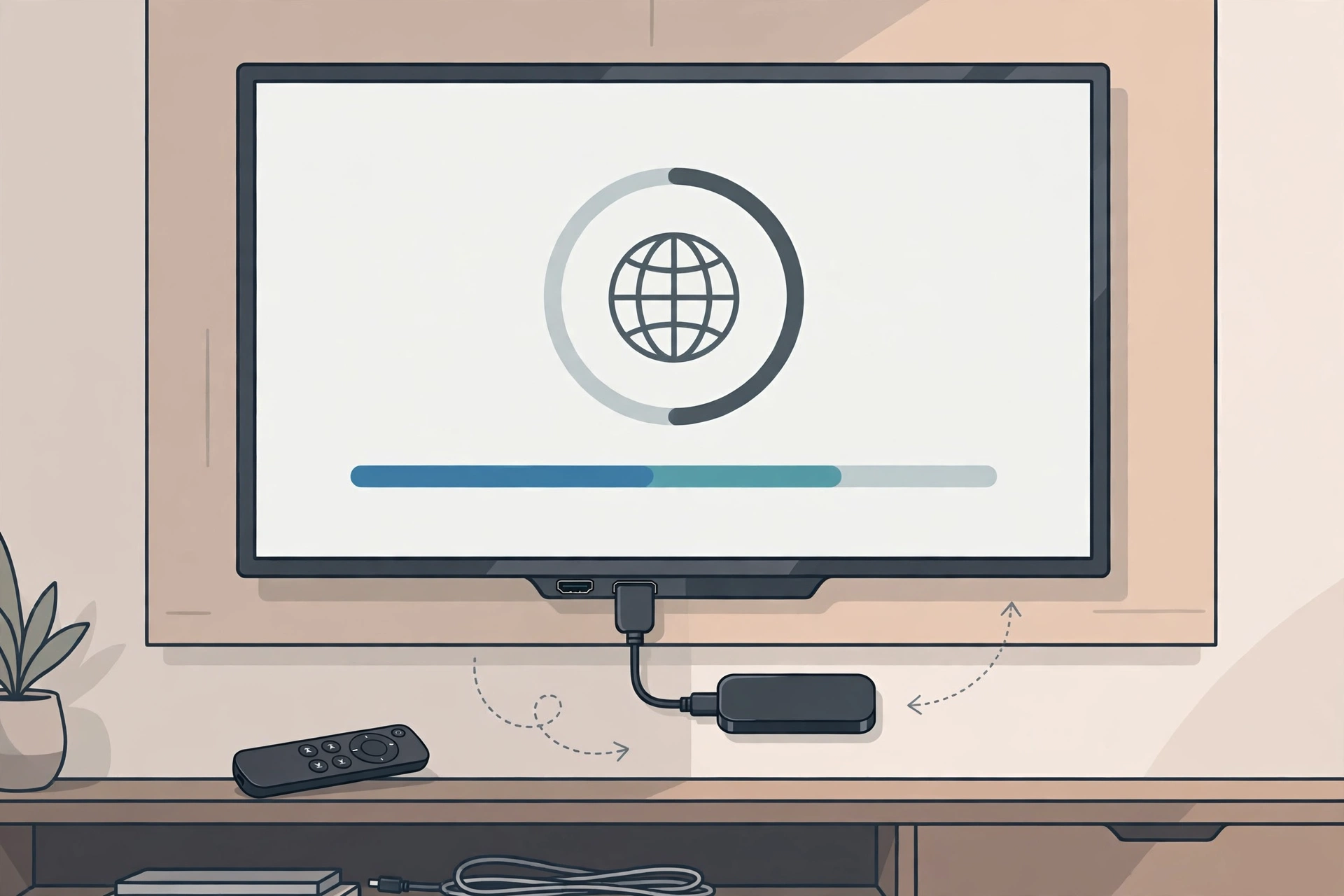
- On your Firestick, head to Settings > My Fire TV > Developer Options and switch on Apps from Unknown Sources.
- Install the free Downloader app from the Amazon Appstore if you don’t already have it.
- Open Downloader and type in the URL where you saved the firefox apk download file.
- Let the APK download, then hit Install when it asks.
- Delete the APK file from Downloader afterward — no point letting it eat your storage.
- Launch Firefox from Your Apps & Channels. Pro tip: press the menu button on the icon and choose Move to front so it’s easy to find.
Tip: on older Firesticks (Fire OS 5 or 6), the latest build may crash — grab an older Firefox release instead. And a Bluetooth mouse (or the Fire TV phone app as a touchpad) makes browsing way easier than the remote’s directional pad.
Pros and Cons
Pros: a real browser with extensions and ad blockers; syncs with your Firefox account; private browsing built in; free and open-source; far more capable than the Silk browser.
Cons: you have to sideload it — it’s not in the Amazon Appstore; the latest version wants a recent Firestick (older models need older builds); navigating with a TV remote is clumsy without a mouse; some sites just aren’t made for TV screens.
Screenshots

Safety Note
Firefox is an open-source browser from Mozilla, a well-known non-profit — the app itself is legit and widely trusted. That said, APK files from random third-party sites can be tampered with, so always download from a reputable source and scan the file with an antivirus app or an online scanner first. We have not scanned or verified any file ourselves, so do your own check before installing.
FAQ
Is firefox apk for firestick safe to install?
Firefox itself is safe — it’s Mozilla’s official open-source browser. The only real risk is where you download the APK from, so use a trusted source and scan the file first.
Why is Firefox not in the Amazon Appstore?
Mozilla simply doesn’t publish a Fire TV build in Amazon’s store, so sideloading the Android APK is the only route. And sideloading is a normal, supported Fire OS feature — nothing hacky about it.
Will the latest version work on my old Firestick?
Probably not — v157.0 needs Android 8.0 or newer, and older Firesticks run Fire OS 5 or 6. On those devices, install an older Firefox build made for Android 5–7 instead.
Can I install extensions like uBlock Origin on the TV version?
Yes. The sideloaded build is full Firefox for Android, so the add-ons menu works normally and recommended extensions install without any drama.
Do I need to root my Firestick?
No. Flipping on “Apps from Unknown Sources” is all it takes — no rooting, no jailbreaking, nothing like that.
Final Words
A full browser turns a Firestick from a simple app box into a proper web device, and Firefox is the best browser you can put on one. Ad-blocking extensions, synced tabs, private browsing — it beats the built-in Silk browser in every way that actually matters. Grab the APK below and give your TV the browser it deserves.
✓ Latest v157.0 ✓ Free Download ✓ No Sign-Up Needed
Related Posts
If you found this useful, check out SmartTube APK for an ad-free video experience on your TV, or VLC APK for Firestick to play any media file format. For more apps like this, browse our Communication Apps category.