Telegram APK Old Version Download

✓ All Versions ✓ Free Download ✓ No Sign-Up Needed
Telegram apk old version downloads are for anyone who wants a previous build of the Telegram messenger instead of the newest release. The Play Store only ever offers the latest update — but sometimes a new update changes the interface, drops support for an older phone, or introduces a bug that breaks something you relied on every day. In those cases, rolling back to a trusted older release is the simplest fix. That’s exactly what this page provides.
Telegram is famous for speed and features — and its older builds keep that same core experience. If a telegram old version apk is what your device needs, you’re in the right place.
| App Name | Telegram |
| Package Name | org.telegram.messenger |
| Publisher | Telegram FZ-LLC |
| Category | Communication |
| Version | v12.10.6 (latest) |
| Size | 62.61 MB |
| Requires Android | 6.0 and above |
| Last Updated | October 2026 |
What Is Telegram APK Old Version?
It simply means any earlier release of the official Telegram app as an installable APK file. Each release is numbered — v12.10.6 is current, while builds like v12.9.0 or v11.14.1 represent earlier stages. Since the Play Store only ever offers the newest build, sideloading the APK is the only way to get a previous release.
And to be clear: an older Telegram APK is the genuine official app from Telegram FZ-LLC — not modified, not cracked. It connects to the same servers and unlocks the same chats as the current version. Only the feature set and interface of that release date differ.
Why Download an Old Version of Telegram?
Why would anyone deliberately choose an older build? The most common reason is a buggy update. Occasionally a fresh release introduces crashes, battery drain, or broken notifications — and rolling back one or two versions instantly solves the problem while you wait for a hotfix.
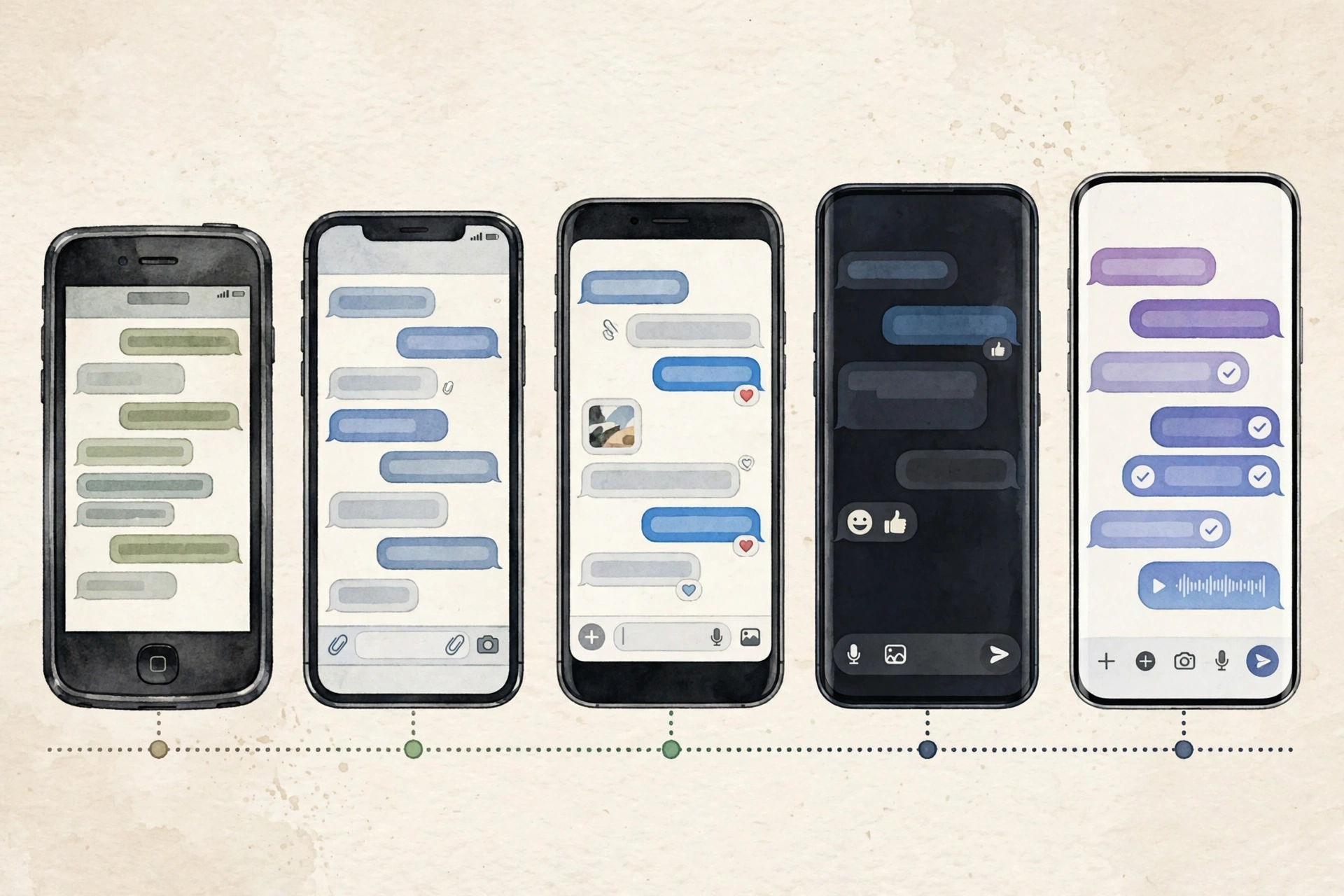
Interface preference is another big one. Telegram’s design evolves constantly — menus move, icons change — and long-time users sometimes just prefer the layout they knew. An older build freezes that familiar experience in place. Compatibility matters too: on a budget or ageing phone, a lighter older build can feel noticeably faster and use less storage than the latest release.
And finally, some people just dislike a feature that was added — or miss one that was removed. Installing a telegram apk download of a previous version keeps the behaviour you liked.
Available Old Versions
Below are the most requested Telegram builds — newest at the top, older below. Most people pick a build from the last few months.
| Version | Release Date | Size |
| v12.10.6 | October 2026 | 62.61 MB |
| v12.10.0 | August 23, 2026 | ≈ 62 MB |
| v12.9.2 | August 13, 2026 | ≈ 62 MB |
| v12.9.0 | July 17, 2026 | ≈ 61 MB |
| v11.14.1 | August 20, 2025 | ≈ 58 MB |
Note: sizes are approximate and vary slightly between device architectures.
Key Features of Telegram
Blazing-Fast Cloud Messaging
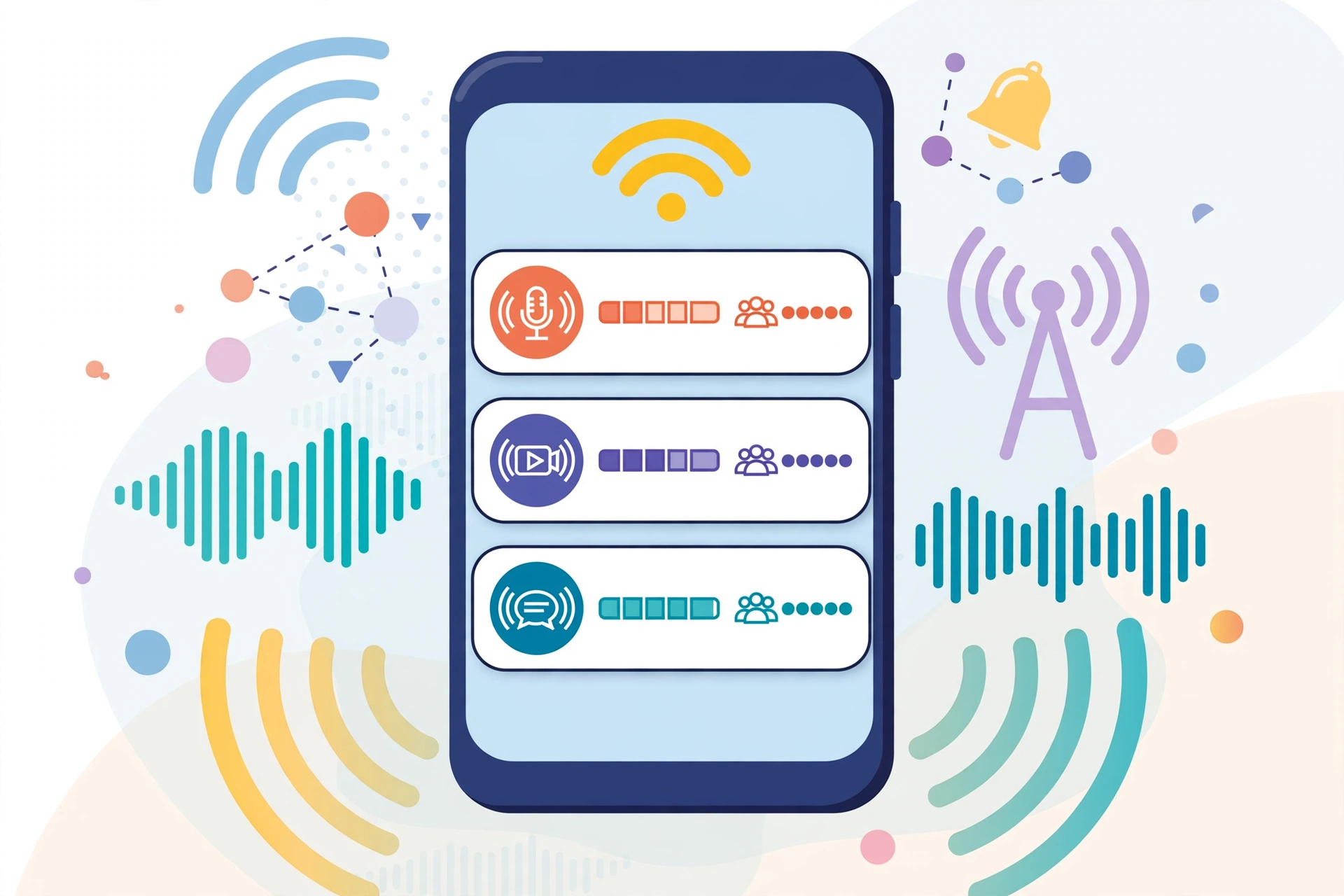
Telegram routes every message through its own distributed cloud infrastructure, so texts arrive in a fraction of a second even on weak connections. Your entire chat history lives in the cloud — switch phones or reinstall without losing a thing.
Unlimited Media and File Sharing
Send photos, videos, and documents up to 2 GB each with no forced compression. Entire albums, long recordings, heavy PDFs — they all transfer without the quality loss other messengers impose.
Secret Chats with End-to-End Encryption
For maximum privacy, Secret Chats use device-to-device encryption with self-destruct timers and screenshot alerts on Android. Nothing left on any server.
Massive Groups and Broadcast Channels
Groups support up to 200,000 members with admin tools, slow mode, and polls — while channels let creators broadcast to unlimited subscribers. That’s why the app became the home of news outlets and communities worldwide.
Synced Across Every Device
One account runs on your phone, tablet, and desktop simultaneously. Start typing on your phone, finish on your PC — every draft and chat stays in perfect sync.
Free Forever with No Ads
No advertisements, no paywall for the core app, no selling of user data. Animated stickers, custom themes, bots, voice and video calls — all included free.
How to Install Telegram APK Old Version
- Tap the Download button on this page to get the APK file of your chosen version.
- If a newer Telegram is installed, back up anything important first, then uninstall it to avoid a version conflict.
- On your device, go to Settings > Security and enable Install from Unknown Sources (on newer Android: Settings > Apps > Special app access).
- Open the downloaded APK from your notifications or file manager.
- Tap Install and wait for the process to finish.
- Launch Telegram, verify your phone number, and your chats will sync back from the cloud automatically.
Tip: after installing, turn off auto-updates for Telegram in the Play Store — otherwise your chosen old build gets silently replaced overnight.
Pros and Cons of Using an Old Version
Pros: a familiar interface frozen in time, often lighter and faster on older phones, lets you dodge a buggy latest update, and works on devices the newest build may have dropped.
Cons: you miss the newest features and interface improvements, older builds no longer receive security patches, and some server-side features may eventually stop working on very old versions.
Screenshots


Safety Note
Old APKs don’t receive security patches, so a build from last year is more exposed than the current release. Download only from reputable archives and scan every APK with your own antivirus — we have not scanned or verified any file ourselves. And never grant permissions the app doesn’t need.
FAQs
Is it safe to install an old version of Telegram?
Generally yes, if the APK is an untouched official build from a reputable source. The trade-off is missing security updates — so keep the build reasonably recent and scan the file yourself.
Will I lose my chats when I install an old version?
No. Telegram stores your messages in the cloud, so chats, media, and contacts sync back when you log in. The only exception: Secret Chats live on one device and don’t transfer.
Will the app force-update itself?
Telegram itself doesn’t force updates — but the Play Store can auto-update it overnight. Disable auto-updates for Telegram in the Play Store to keep your version in place.
Does an old version work on Android 5?
Builds from 2026 need Android 6.0 and above. On Android 5 you’d need a much older release — but very old builds lose features and security support, so it’s a trade-off.
Do I need root to install it?
No. An older Telegram APK installs exactly like the current one — enable unknown sources, tap the file, done. No root required on any Android version.
Final Words
Whether you’re escaping a buggy update, keeping a familiar interface, or reviving an older phone, a telegram apk old version is a quick and practical fix. Stay on a reasonably recent build, scan your downloads, and keep auto-updates off.
✓ All Versions ✓ Free Download ✓ No Sign-Up Needed
Related Posts
Looking for older builds of other messengers? Check out WhatsApp APK Old Version and Discord APK Old Version, or browse the full Communication Apps category for more downloads.